
This is the second session in Areopa’s VS Code AL Extensions series. Host Luc van Vugt is joined by Bart Permentier, Waldo, and Rasmus Aaen, who each demo the extension they built for Business Central AL development. Together the three tools cover code readability and refactoring, project-wide navigation and naming conventions, and variable naming and casing cleanup.
AL Toolbox
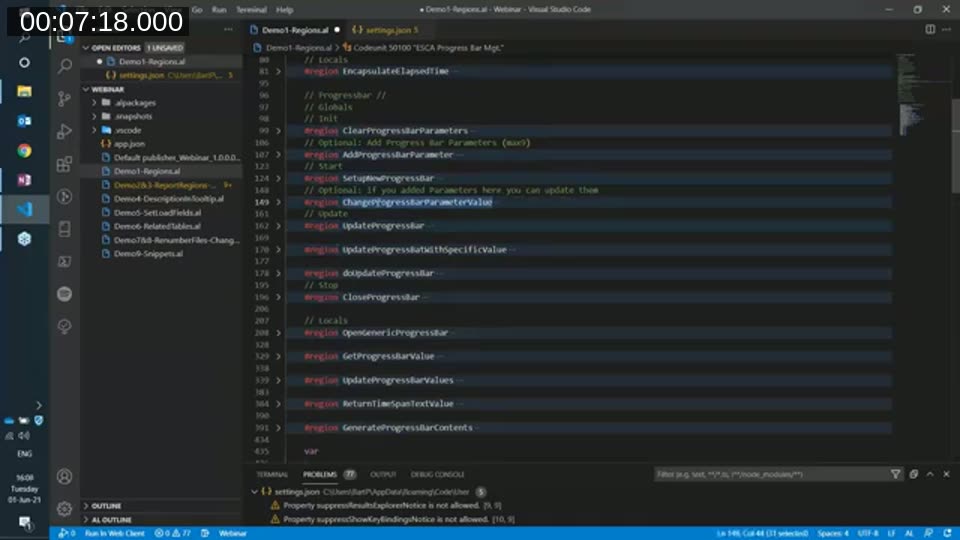
Bart Permentier, development lead at ESC in Ghent, Belgium, opened with AL Toolbox. Its best-known feature is region generation: the Create region command wraps functions, triggers, data items, and columns in collapsible regions, so a codeunit collapses into a readable outline instead of a wall of code. The extension also lets you recolor regions so they stand out from ordinary comments, and it generates the same region markers on runtimes older than BC17, before Microsoft’s own region support existed.
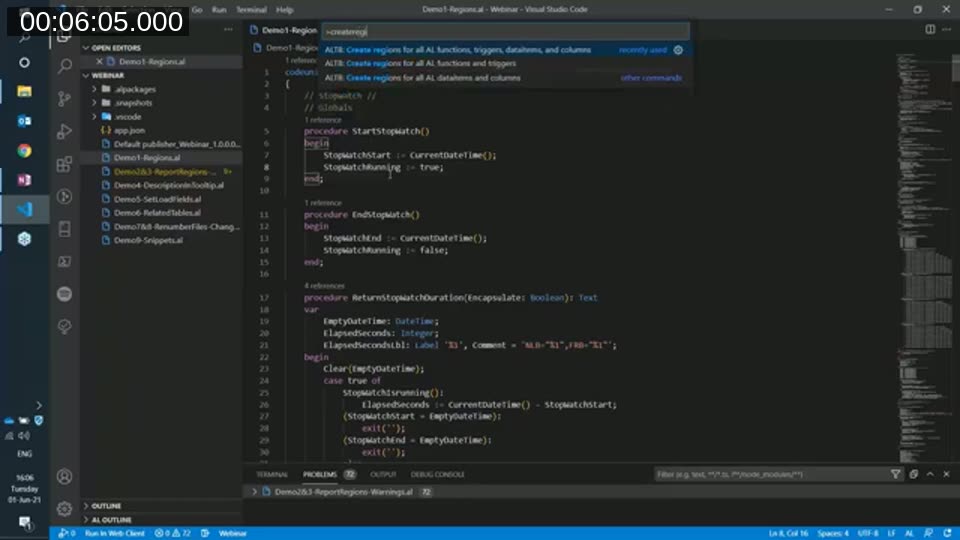
Permentier also demoed AL Toolbox’s quick fixes for common compiler warnings: adding missing parentheses after a function call, wrapping text assignments that could overflow with CopyStr, and adding a #pragma around a warning you’ve deliberately decided to ignore. A hover tooltip on table and table extension fields shows the field’s documented description anywhere it’s used, which helps when the field’s definition lives in a different object than the code referencing it.
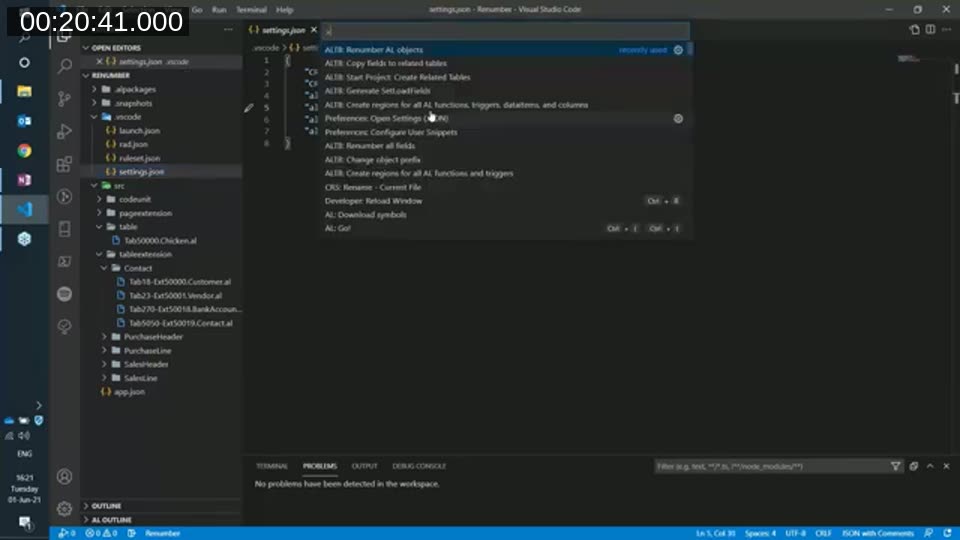
Further along, AL Toolbox can generate a SetLoadFields call for the fields actually used in a function, standing on the table variable’s declaration is enough to trigger it. A related-tables feature keeps fields in sync across tables that mirror each other, such as sales header, shipment header, and invoice header, by copying a new field to all the related tables listed in a settings file. Object renumbering and prefix/suffix renaming round out the toolset — both rewrite an entire project’s object IDs or naming prefix in one command, driven by the ID range or prefix set in app.json.
📖 Docs: AL Toolbox on the Visual Studio Marketplace — install page listing the full feature set, including regions, quick fixes, and the object management commands demoed above.
AL Extension Pack and CRS AL Language Extension
Waldo presented two of his own extensions. The first, AL Extension Pack, is not a tool by itself — it’s a curated bundle that installs a set of other extensions useful for AL development, including several covered elsewhere in this series. Because it silently installs whatever Waldo adds to the pack, any extension in the bundle can be individually disabled (including for a single workspace) if you don’t want it. Feedback or requests for extensions to add go through the pack’s GitHub issue tracker.
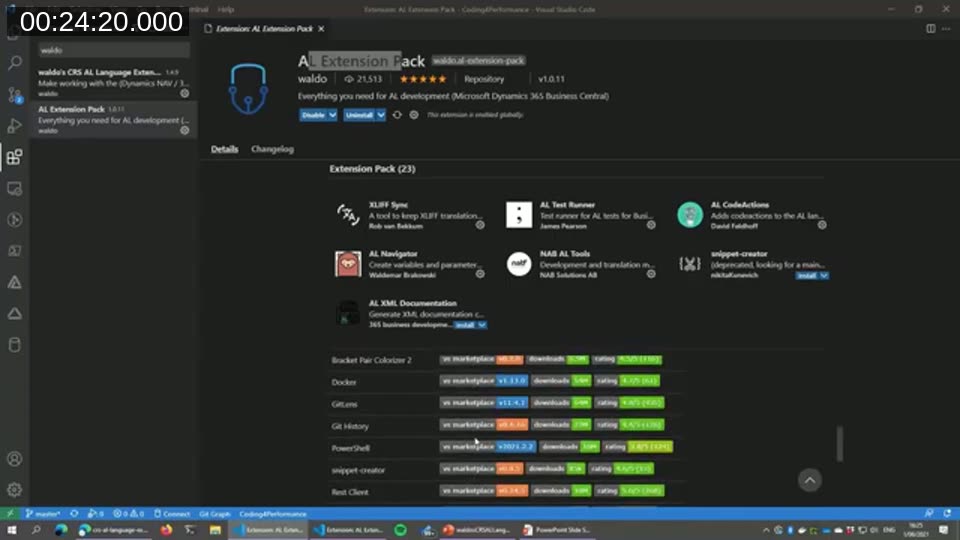
📖 Docs: AL Extension Pack on the Visual Studio Marketplace — bundles CRS AL Language Extension, AL Variable Helper, and other AL development extensions in one install.
Waldo’s larger extension, CRS AL Language Extension, started as an experiment inspired by a Tobias Fenster session on running AL objects directly from VS Code. The name is a holdover from when Waldo worked at CRS, though the extension has been a purely community-maintained project since. Its Run object command opens a wizard to pick an object type and ID; Run current object runs whatever object the cursor is in; and Publish and run object combines compile, publish, and run into a single command bound to Ctrl+Shift+R. All three read connection settings from launch.json.
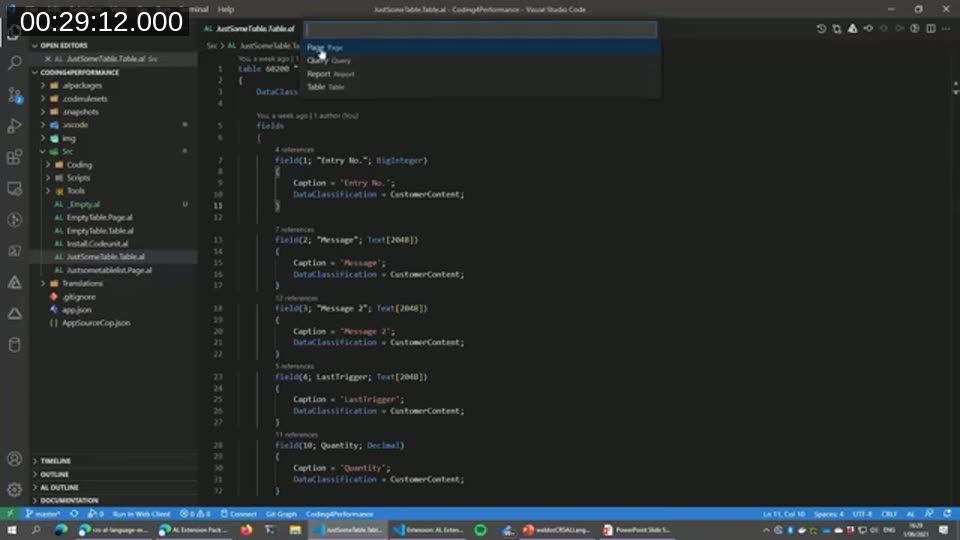
The extension also ships an extensive set of snippets, several of them cleaned-up versions of Microsoft’s own snippets with redundant triggers removed. Settings let you disable Waldo’s snippets, Microsoft’s snippets, or both. Design-pattern snippets, such as a full method pattern used heavily at Waldo’s former employer, generate an entire block of boilerplate at once rather than a single statement, which keeps a large team’s code stylistically consistent.
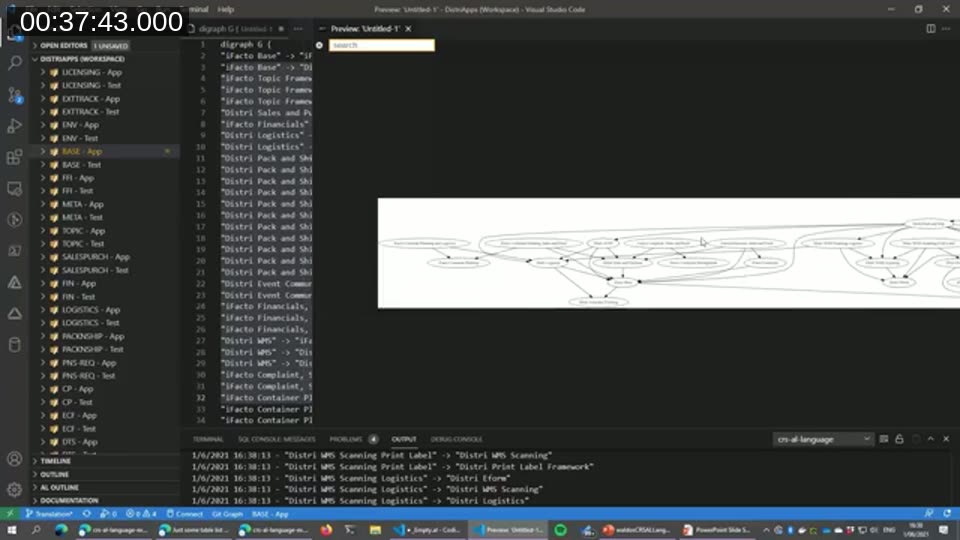
For projects made up of multiple related apps, CRS AL Language Extension can generate a dependency graph straight from the dependencies listed in each app.json, with settings to exclude Microsoft apps or specific publishers from the picture. A separate command wraps the alc.exe DGML generation flag so you can produce a DGML dependency file for Visual Studio without assembling the compiler call yourself.
The extension’s most-used feature, according to Waldo, is automatic file renaming and reorganizing to match Microsoft’s expected naming conventions for AL source files, page/table extension files, and page customization files. A “rename on save” setting applies this automatically; without it, you run the rename command manually. It also manages object and field prefixing or suffixing consistently across a project — Waldo recommends picking one or the other, not both, and noted the team is moving toward suffixes for readability. A documentation search command rounds out the extension: select a term and search Business Central docs, or search other AL object names using a regex-style match.
📖 Docs: CRS AL Language Extension on the Visual Studio Marketplace and its source repository on GitHub — full command reference, snippet list, and settings.
AL Variable Helper
Rasmus Aaen, lead developer at JCD in Denmark, closed the session with AL Variable Helper. He traced its origin back to the C/SIDE IntelliSense he grew up with, an early “AL Former” tool he wrote before Microsoft shipped an AL formatter, and an internal JCD extension — AL Variable Helper is the subset of those ideas he judged useful enough for the wider community, kept deliberately small so it doesn’t clutter VS Code with features most developers won’t use.
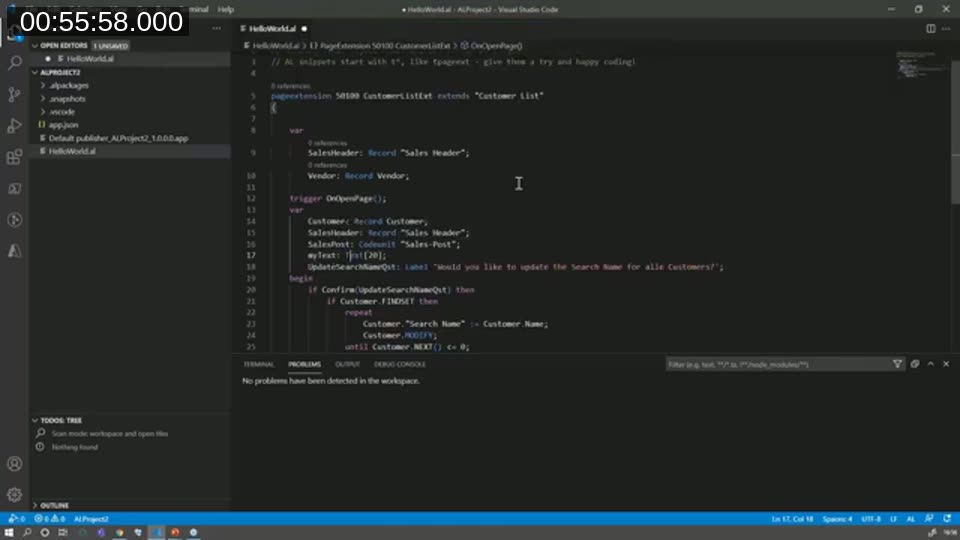
The extension’s main feature suggests variable names for a record, codeunit, or other type as you declare it, offering three naming styles: the full type name, an abbreviation drawn from Microsoft’s official abbreviation list, or a short tag — so the suggestion matches whatever naming convention your team follows.
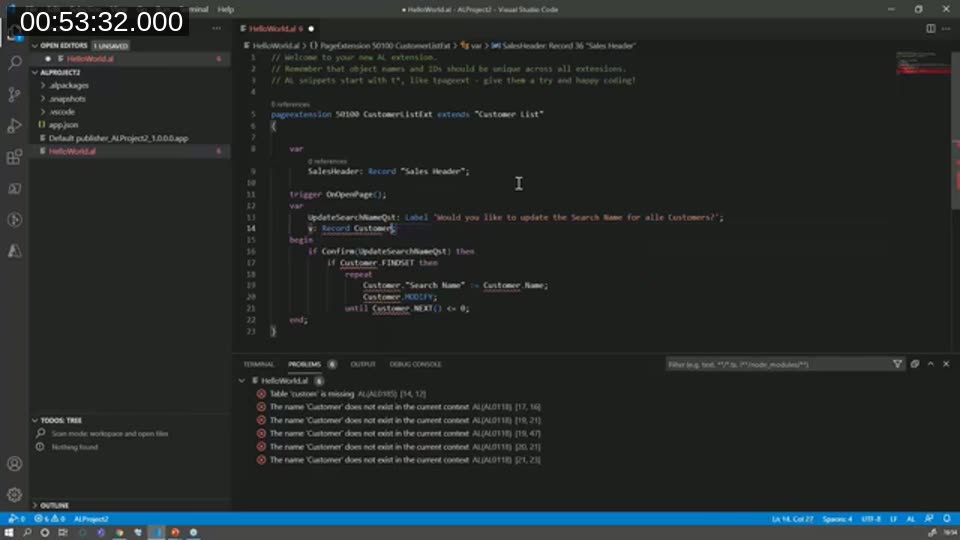
Two navigation commands jump directly between a procedure’s local variables and the object’s global variables, echoing a similar shortcut from C/SIDE. A sort command reorders a var section into a consistent structure — grouping by type and sorting alphabetically — useful for cleaning up variable blocks that accumulate in an unpredictable order during development.
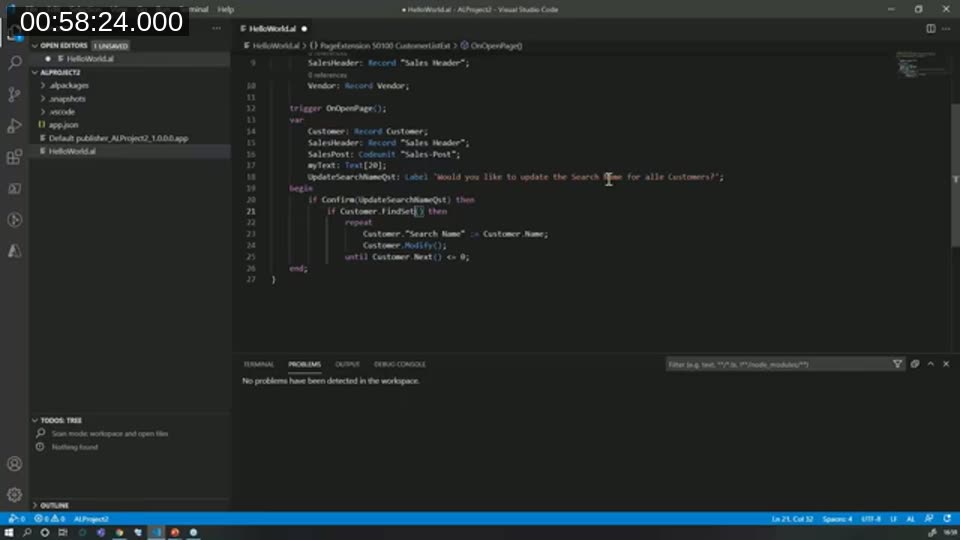
The last feature Aaen demoed, Fix casing, targets code pasted in from older C/SIDE objects: it corrects Microsoft keyword casing and adds missing parentheses to function calls like FindSet, Modify, and Next. It only affects recognized keywords and functions, not arbitrary text, labels, or user-defined identifiers.
📖 Docs: AL Variable Helper on the Visual Studio Marketplace — install page with the variable naming, sorting, navigation, and casing commands covered above.
This post was drafted with AI assistance based on the webinar transcript and video content.