
In this Areopa Academy webinar — moderated by Luc van Vugt — Eric “waldo” Wauters shares the toolkit he personally reaches for when developing for Microsoft Dynamics 365 Business Central. The session is explicitly framed as his toolkit, not the one true toolkit, but the list covers most of the day-to-day pain points a modern AL developer encounters: navigating the base application, analysing dependencies, finding answers, spinning up sandboxes, profiling performance, working with telemetry, translating extensions, and running a real CI/CD pipeline.
Coding Tools
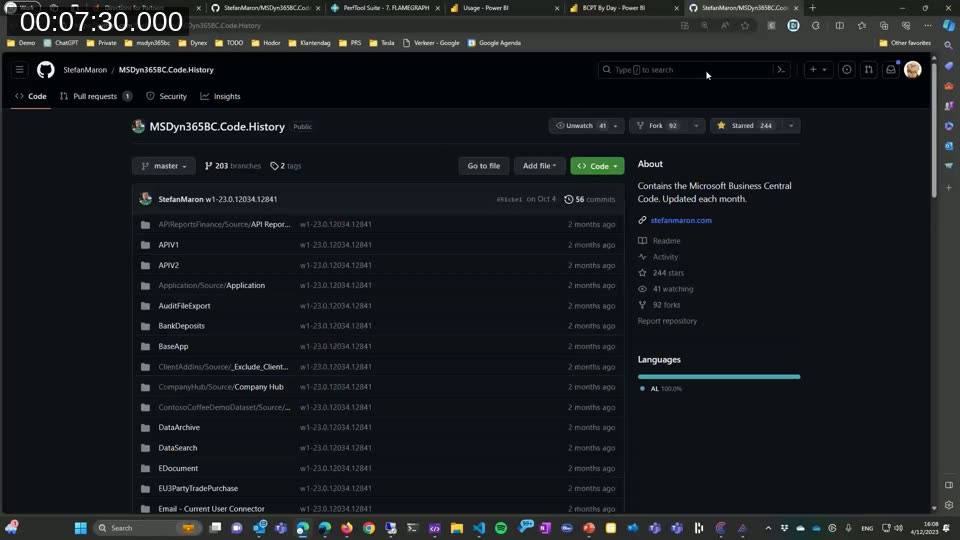
MSDyn365BC.Code.History — searchable base app history on GitHub
The session opens with Stefan Maron’s MSDyn365BC.Code.History repository: a GitHub mirror of the Microsoft base application, updated for every Business Central release. Branches per major version (W1 and all localisations) make it trivial to diff between versions, see exactly when a procedure changed, or use GitHub’s code search to find an example of any pattern Microsoft uses internally. Waldo describes it as one of the most-used resources in his daily workflow — particularly for tracking what changed between releases without having to download and unpack symbol packages.
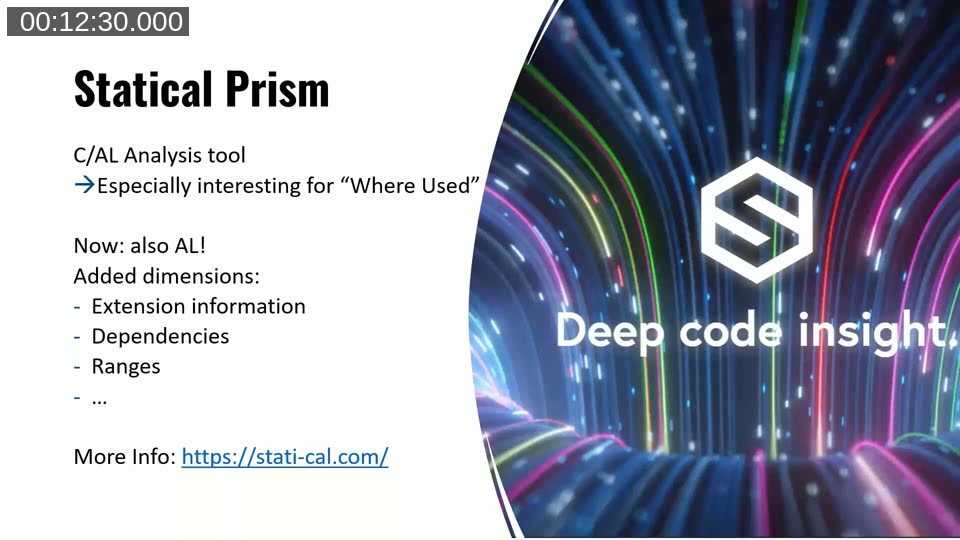
Statical Prism — deep “where used” analysis for AL
Originally a C/AL analysis tool, Statical Prism has been rebuilt for AL and adds dimensions that the VS Code AL extension does not surface on its own: extension dependencies, object ranges, and a much richer “where used” view across an entire codebase. It is positioned as the tool to reach for when investigating how a field, table, or procedure is consumed across many apps — including dependencies between extensions that would otherwise require manually opening each app.
VS Code and the AL Extension Pack
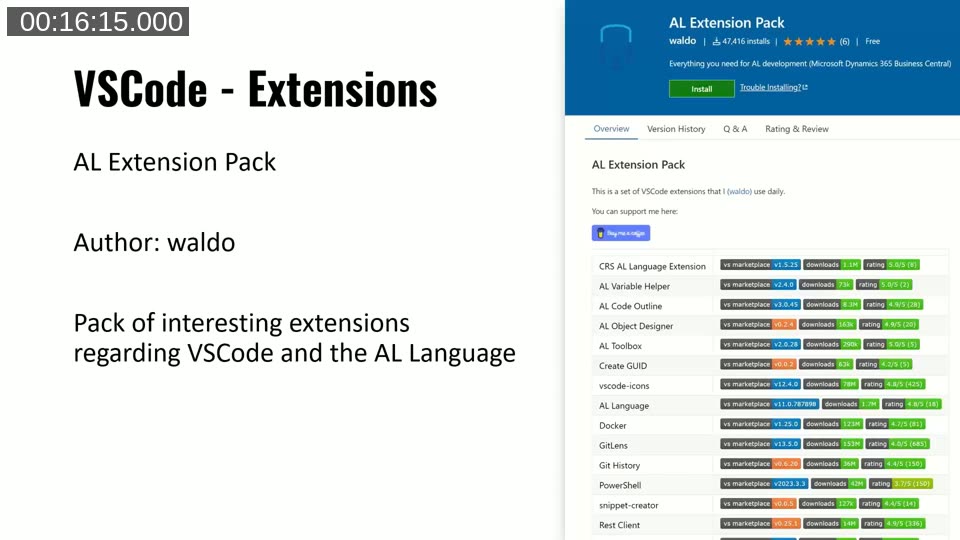
Inside VS Code, waldo recommends the AL Extension Pack — a curated bundle of extensions he uses daily, including CRS AL Language Extension, AL Variable Helper, AL Code Outline, AL Object Designer, AL Toolbox, Create GUID, vscode-icons, the official AL Language extension, Docker, GitLens, Git History, PowerShell, snippet-creator and Rest Client. Installing the pack gives a new developer a productive AL setup in one click instead of hunting down each extension individually.
For tips and tricks, waldo points to a series of his own Areopa sessions: Rock ‘n Roll with VS Code, Being more efficient with VS Code, Business Central Development Life Hacks, and RegEx — basic and advanced scenarios, all linked from the video description.
GitHub Copilot in AL development
Copilot is treated as a genuine productivity tool rather than a novelty: useful for boilerplate, repetitive table extensions, test scaffolding and explaining unfamiliar code, but always reviewed before being committed. The demo shows Copilot completing AL object boilerplate and suggesting variable names that match Microsoft’s conventions — partly because the model has been trained on a large amount of public AL code, including the base application mirror referenced above.
CentralQ.ai — AI search over Business Central community knowledge
Dmitry Katson’s CentralQ.ai is an AI search engine “fueled by the collective knowledge of the Business Central community”. It is built on Azure OpenAI services and indexes a wide range of community sources — Microsoft docs, MVP blogs, Twitter/X posts, GitHub repositories — so that a question like “how do I subscribe to an event published by codeunit X” returns answers grounded in real BC content rather than generic ChatGPT output.
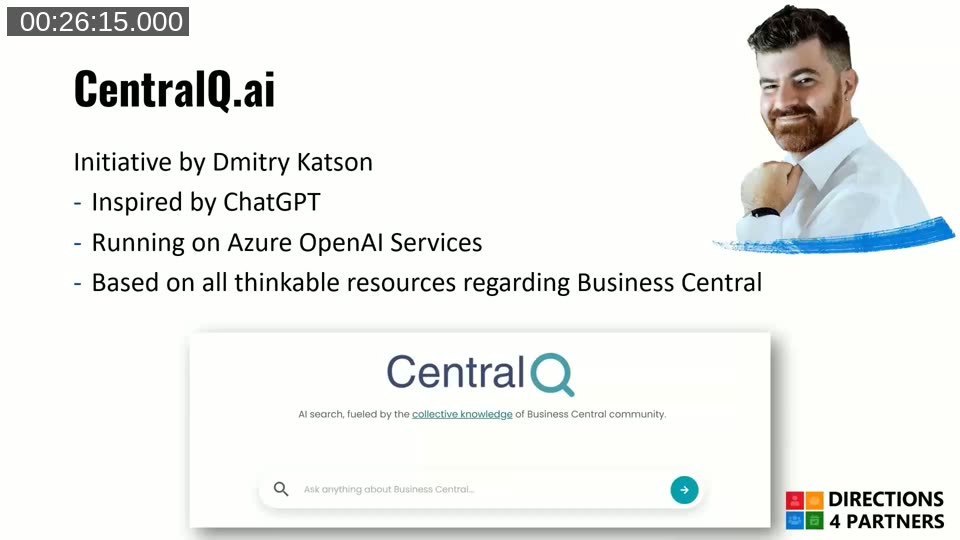
Tip: CentralQ.ai cites its sources, which means it doubles as a discovery tool — even when the answer needs adjustment, the linked blog posts and GitHub issues are usually worth reading directly.
alguidelines.dev — community-curated design patterns
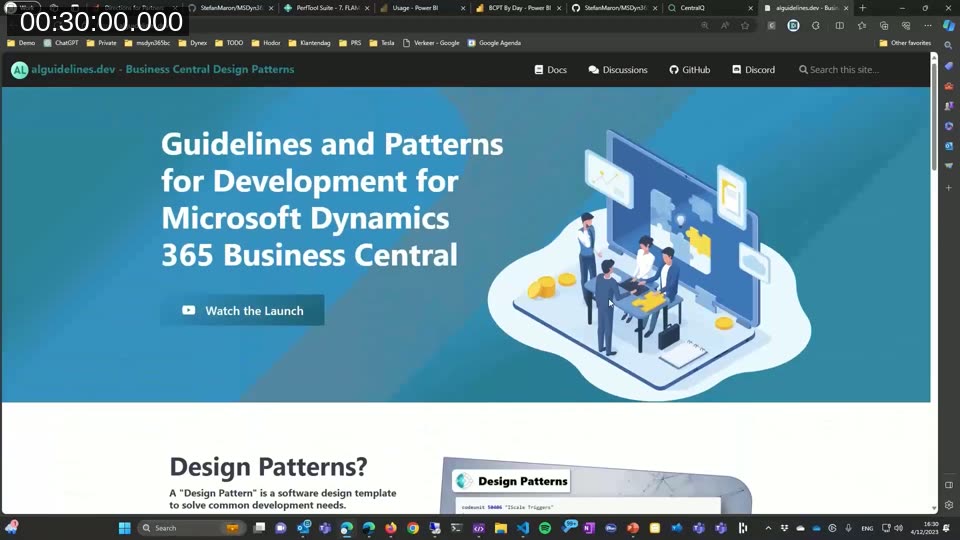
alguidelines.dev is a community project documenting design patterns and guidelines for Business Central development. It covers naming, code structure, common patterns (façade, handler, options pattern) and anti-patterns to avoid. Discussion happens on GitHub at microsoft/alguidelines, and the site has Docs, Discussions, GitHub and Discord entry points all on one landing page.
Docker and BcContainerHelper
For local sandbox containers, waldo recommends BcContainerHelper — the PowerShell module maintained by Microsoft (with Freddy Kristiansen as the main author) that wraps every common Docker-for-BC operation: creating containers from artifacts, publishing apps, running tests, importing licenses, and more. The demo shows pulling a container artifact and getting a working sandbox in a few commands. The module is the foundation that AL-Go for GitHub and most CI/CD setups for BC build on.
Docs: Running Business Central containers for development — Microsoft Learn.
DevToys — a developer’s Swiss army knife
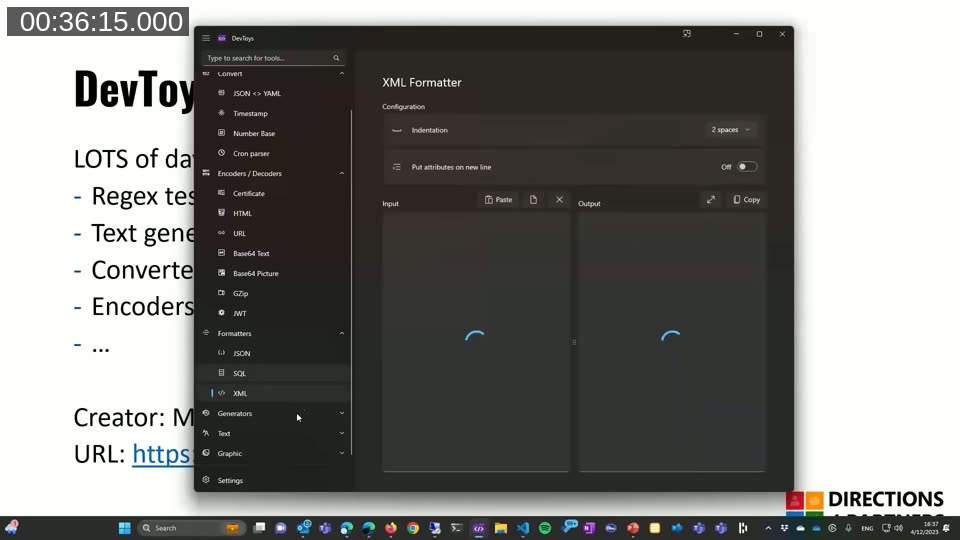
DevToys is a free Windows utility that bundles dozens of small tools developers reach for many times a day: JSON/YAML/XML formatters, Base64 and URL encoders/decoders, GUID generator, regex tester, JWT decoder, timestamp converter, hash generator, and so on. None of these are BC-specific, but waldo uses it constantly when working with config files, telemetry payloads, and integration testing.
Performance Tools
waldo.BCPerfTool — repeatable performance tests inside BC
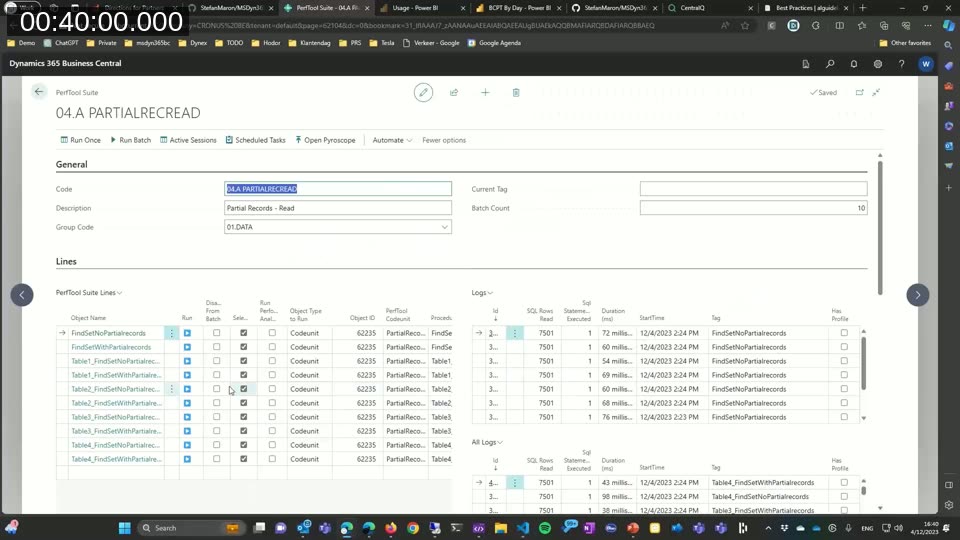
waldo.BCPerfTool is an open-source app that lets you define performance test “suites” inside Business Central itself: pick objects (codeunits, queries, reports), configure runs, and execute them with measured SQL row counts, statement counts, durations and start times for each line. It makes it straightforward to compare before/after performance of a refactor with real data, rather than guessing from a single timing in the client. The demo shows running a “Partial Records — Read” suite and inspecting per-line execution metrics.
AL Performance Profiler in VS Code
Microsoft’s AL Profiler in VS Code now ships with two modes: instrumentation profiling (per-method timing, more accurate but heavier) and sampling profiling (lower overhead, faster trends). The profiling editor view supports top-down and bottom-up call stacks. For production environments, the in-client Performance Profiler page captures snapshots from running tenants.
Telemetry
D365 BC Usage App and BCTech samples
For getting started with telemetry, two repositories provide ready-made content: Microsoft’s microsoft/BCTech repo includes sample KQL queries, Power BI reports and an Application Insights workbook, and waldo’s own waldo.BCTelemetry repo collects additional KQL queries he uses in real consulting projects.
Application Insights and KQL
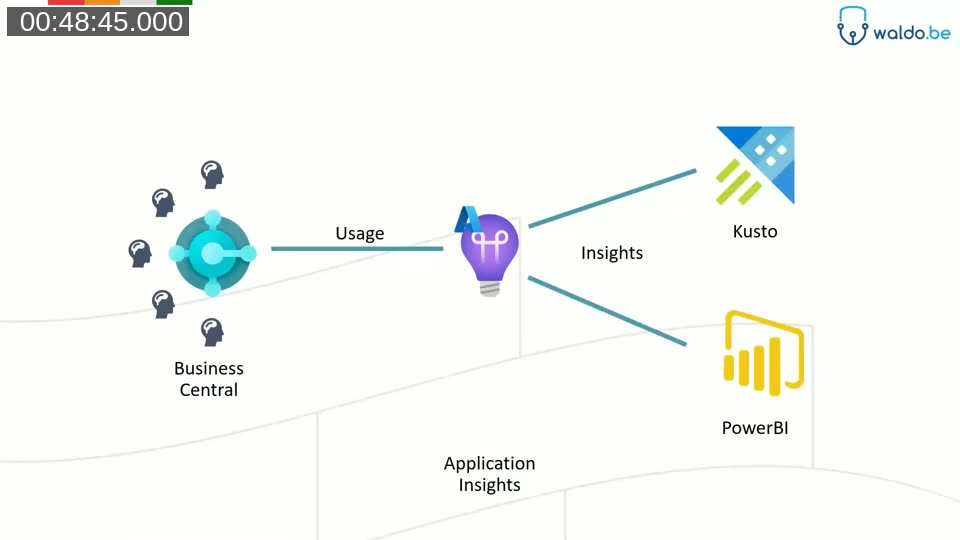
The architecture waldo recommends connects Business Central → Application Insights → Kusto/KQL queries and Power BI dashboards. Once an Application Insights connection string is configured on the BC environment, every telemetry event (page views, report runs, long-running AL methods, errors, permission failures, etc.) is captured and queryable in KQL. KQL itself is approachable for anyone with SQL background, and the BCTech samples cover the most common questions: who is using which feature, which reports are slowest, which extensions throw errors, and so on.
Docs: Telemetry overview for Business Central — Microsoft Learn and Analyzing Long Running AL Methods Telemetry.
BCPT tests in the DevOps pipeline
The performance picture is closed by running Business Central Performance Toolkit (BCPT) tests inside the CI/CD pipeline, so that regressions are caught before they reach production. Waldo demonstrates a setup at iFacto where BCPT runs as part of the build, with results flowing back to Azure DevOps and into telemetry dashboards alongside Application Insights data.
Translation Tools
AL Studio Translator
For translation workflows, waldo recommends the translator that ships with AL Studio: it accepts a folder of XLF files (with or without an AL project) and gives consultants a focused UI to translate strings, batch-translate via machine translation, and re-export. He notes that the team would love to move translation entirely into the pipeline, but in the interim the AL Studio translator dramatically reduces the friction of handing translation off to non-developers. Cost is roughly comparable to Poedit, with much better fit for AL/XLF workflows.
CI/CD
AL-Go for GitHub
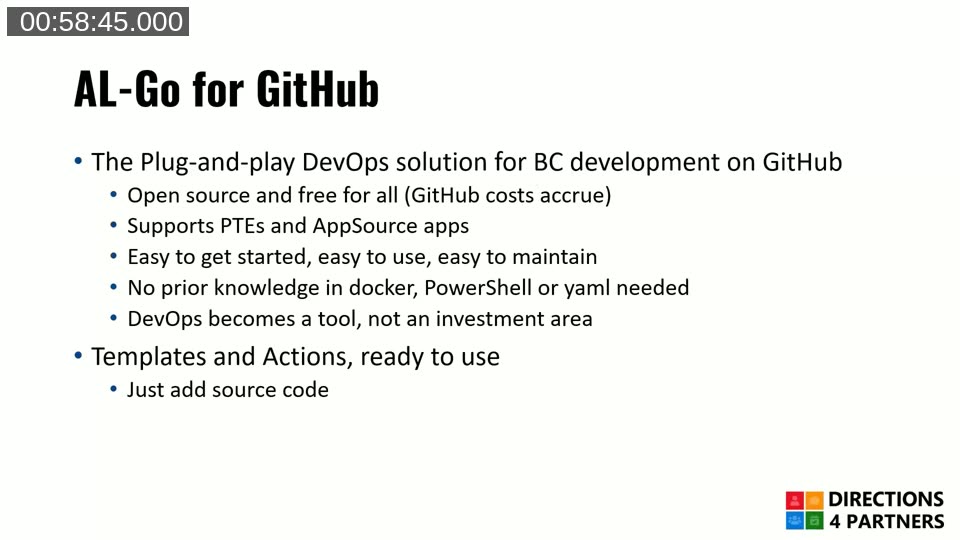
AL-Go for GitHub is Microsoft’s plug-and-play DevOps solution for BC app development on GitHub. It ships as two templates — AL-Go-PTE for Per-Tenant Extensions and AL-Go-AppSource for AppSource apps — plus a shared set of AL-Go-Actions. The promise is that you can have a working build, test and deployment pipeline for an AL project without writing any YAML, Docker or PowerShell yourself, and stay current by running an “update” workflow.
Docs: Overview of AL-Go — Microsoft Learn.
Cosmo Alpaca
For teams that want a managed development environment on top of AL-Go, COSMO Alpaca from COSMO CONSULT provides a VS Code extension (and PowerApp) that creates fully configured projects — repository, build pipelines, cloud sandboxes — with a few clicks, billed per container minute. It works with both GitHub (via AL-Go) and Azure DevOps.
ALOps
Finally, ALOps by Hodor (a long-running Azure DevOps extension for BC) remains a solid choice for teams that are already invested in Azure DevOps pipelines and want a more opinionated, vendor-supported alternative to assembling AL-Go-style scripts themselves.
Putting It Together
The unifying theme across the session is that none of these tools replace the standard AL extension in VS Code — they each solve a specific pain point that comes up often enough to be worth a dedicated tool. The toolkit is also explicitly community-driven: most of what waldo recommends is open source, maintained by named individuals in the BC community (Stefan Maron, Dmitry Katson, Freddy Kristiansen, Tobias Fenster, the alguidelines contributors, and many others), and reachable through alguidelines.dev or CentralQ.ai when you need to find the next one.
This post was drafted with AI assistance based on the webinar transcript and video content.