
In this webinar, Microsoft Dynamics GP MVP Steve Endow shares his experience learning Business Central AL development completely from scratch, with Luc van Vugt moderating. Steve had spent 16 years working with Dynamics GP and 25 years doing Windows .NET development, but had never used NAV or written a line of C/AL or AL code before starting this journey in 2019. He walks through the tools, resources, and mindset that took him from zero knowledge to his first published extension, and answers audience questions on what he’d do differently and what made the effort worthwhile.
Starting completely from scratch
Steve describes his background: over two decades of Windows and .NET development, and 16 years supporting roughly 500 Dynamics GP customers across North and South America. He had never installed NAV, never seen its architecture, and had no frame of reference for how Business Central works under the hood.
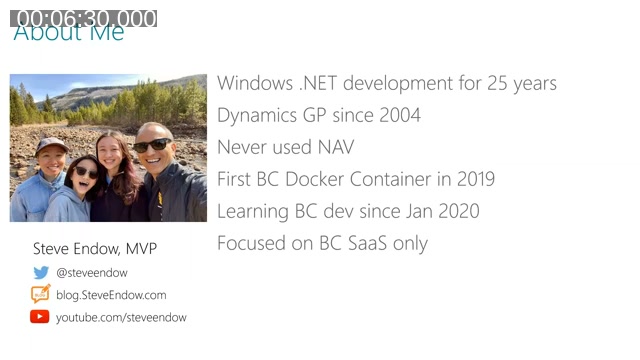
He got his first BC Docker container running in 2019, but only started focusing on BC development in January 2020. Throughout the talk, he scopes his experience specifically to Business Central SaaS — he deliberately avoided the on-premises NAV/BC world to keep his learning focused.
Lessons for anyone starting from zero
Steve compares learning AL to learning a new spoken language, except harder: he already knew what he wanted to say in .NET terms, but didn’t even have the vocabulary to express the same idea in Business Central’s world. His advice for anyone in the same position:
- Be patient with yourself. Confusion and frustration early on are normal, not a sign you’re doing something wrong.
- Allocate dedicated time. Learning in five- or fifteen-minute spurts doesn’t work well — you lose the thread between sessions.
- Protect your focus. Long, uninterrupted blocks of study produced far better results for him than scattered short sessions throughout the week.
- Ask for help early. Start with small, specific questions rather than trying to absorb everything at once.
- Expect it to take months. Steve estimated a two-year timeline back in 2019 and says that held up roughly as expected.
A part-time learning journey
Because Business Central wasn’t his day job, Steve had to carve out learning time around two existing businesses: Dynamics GP development/consulting and an ISV product supporting around 500 customers. He describes learning early mornings (6–9 a.m.), evenings (7–10 p.m.), and weekends.
He found that switching between GP/.NET work and BC/AL work in the same day — what he calls “context switching” — badly hurt his learning speed. His solution was to block out extended, multi-day “learning sprints” with colleagues: five-day stretches of roughly 14-hour days spent studying, prototyping, and working through problems together over Zoom, across different countries and time zones. He also credits finding another developer to learn alongside as the single biggest change to his pace — going it alone, he says, was significantly slower than learning with even one other person.
Where to start: a beginner’s workbook
Steve’s actual starting point was a free, 100-page workbook called Programming in AL for Beginners, created by Krzysztof Bialowas (Twitter/blog: myNAVblog). It walks through installing Docker, setting up containers, configuring VS Code, and building a sample extension — assuming no prior knowledge at all.
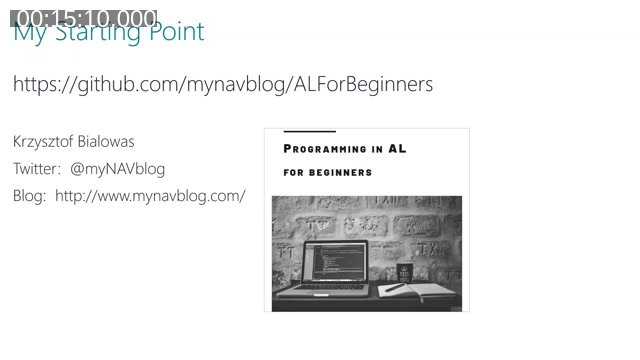
📖 Resource: Programming in AL for Beginners by Krzysztof Bialowas — a free, print-friendly workbook covering the basics from Docker setup through your first extension.
Steve worked through the whole workbook and recorded live-stream videos of the process on his own YouTube channel, deliberately including the problems and errors he hit along the way. He argues that hitting and resolving real errors teaches you more about how the underlying tools work than a flawless run-through ever would.
A caveat: everything is date-sensitive
Because Business Central SaaS changes so frequently, Steve cautions that even a great tutorial can go stale within months. Menu options move, configuration file formats change, and a six-month-old article may stop working exactly as written partway through. His advice: always check the publish date on anything you’re following, and be ready to find an alternate source if a step no longer matches what you see on screen.
Building the toolchain
Steve walks through the core tools a new AL developer needs to assemble, and his hardware/setup recommendations based on personal experience:
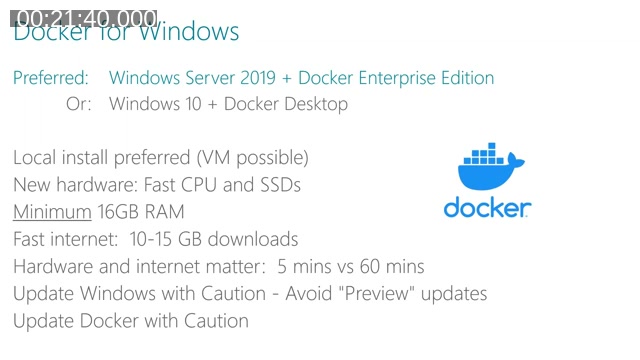
- Docker for Windows — Windows Server 2019 with Docker Enterprise Edition is his preferred setup (command-line/PowerShell only, no forced updates), though Windows 10 with Docker Desktop is more accessible. He recommends a local install on new hardware, SSDs, a minimum of 16 GB of RAM, and a solid internet connection, since BC container images can be 10–15 GB. He also warns about Windows “preview” updates and Docker Desktop updates silently breaking existing containers.
- BcContainerHelper — the PowerShell module (formerly NavContainerHelper) created by Freddy Kristensen for creating and managing BC Docker containers. Steve also points to Krzysztof Bialowas’s Jupyter Notebook repository as a way to interactively walk through the module’s commands.
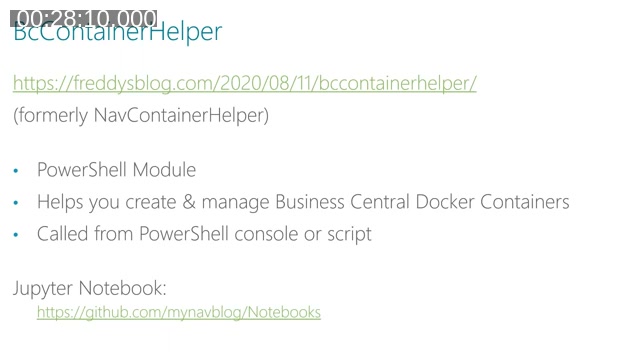
📖 Docs: BcContainerHelper announcement by Freddy Kristensen — explains the move from NavContainerHelper to BcContainerHelper and its stable/preview release channels.
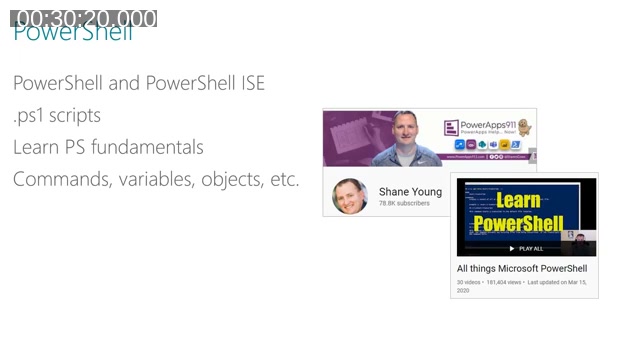
- PowerShell — needed to run both Docker and BcContainerHelper commands. Steve recommends learning at least the fundamentals (commands, variables, objects, modules) and points to Shane Young’s PowerShell YouTube series — he suggests the first one to three videos are enough to get productive.
- Visual Studio Code and AL extensions — VS Code alone does little for AL development, but a handful of extensions unlock most of the useful functionality: the official AL Language extension, AZ AL Dev Tools/AL Code Outline, and waldo’s CRS AL Language Extension. Coming from full Visual Studio, Steve found VS Code’s minimal interface a genuine adjustment at first.
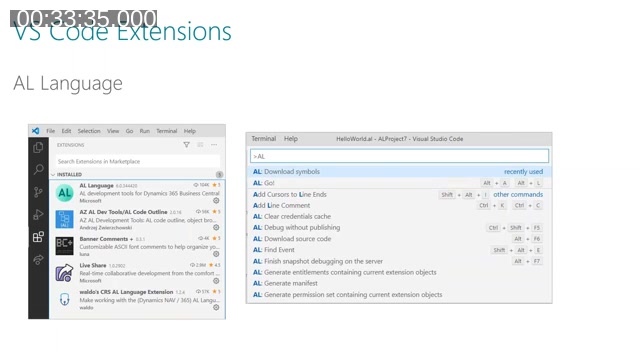
📖 Docs: Get started with AL on Microsoft Learn — the official walkthrough for setting up a sandbox environment, VS Code, and the AL Language extension, and publishing your first extension.
The first milestone: Hello World
Getting through the workbook to a working “Hello World” extension is, in Steve’s words, worth celebrating — by that point you’ve worked through Docker, BcContainerHelper, PowerShell, VS Code, and your first AL project.
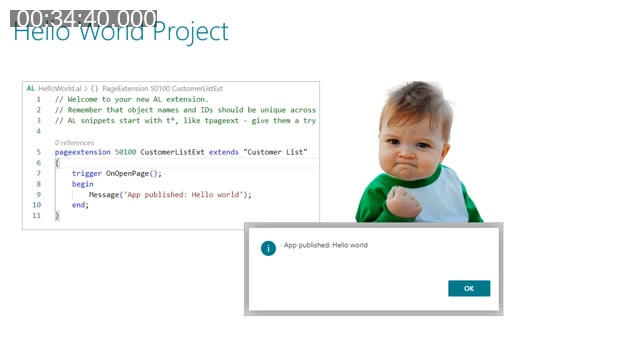
He’s candid that reaching this point doesn’t mean the hard part is over — there are still plenty of “little glitches and technical ghosts” waiting further down the road — but it does mean the foundational pieces are in place.
So now what? Choosing a direction
Once the basics are working, Steve says it can feel like standing at an intersection with twenty different directions and no clear signposts. He breaks the decision into two broad tracks that can be pursued together or in sequence.
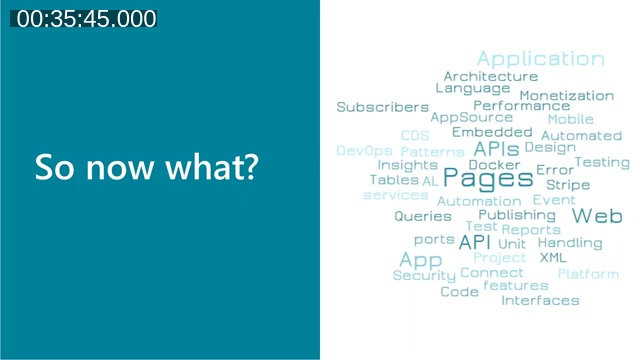
Focus on AL code: define a small sample extension of your own, build out tables, pages, and codeunits, get comfortable with AL’s syntax and structure, and learn its design patterns. Steve notes one especially disorienting shift coming from .NET: combining code and table definitions in a single object is an anti-pattern in .NET but a common practice in AL.
Learn the ancillary topics: a wide set of subjects that sit alongside core AL development.
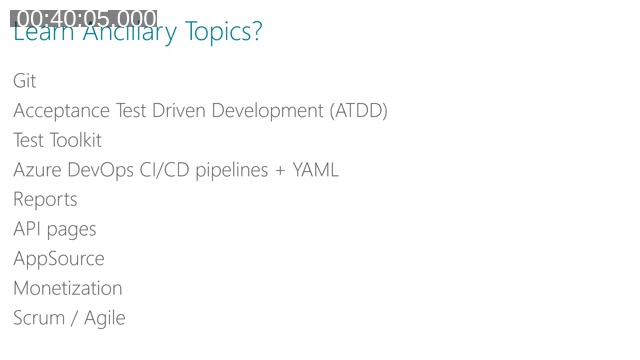
- Git (Steve points to Scott Hanselman’s beginner-friendly walkthrough)
- Acceptance Test Driven Development (ATDD) and the Test Toolkit
- Azure DevOps CI/CD pipelines and YAML
- Reports, API pages, and web hooks
- AppSource publishing, partner registration, and monetization
- Scrum/Agile, to help organize the learning process itself
Q&A: what would you do differently, and what made it worthwhile
Asked what he’d change in hindsight, Steve points to how much time he lost trying to learn alone in 2019 and early 2020. Once he found a colleague to learn alongside, their pace picked up substantially — he compares it to having a training partner: someone else creates structure and accountability that’s hard to generate solo. He also notes that several viewers of his live-stream series told him they used his recordings as a stand-in for that same kind of companion.
Responding to a question about ATDD resources, Luc shares his own book on screen.
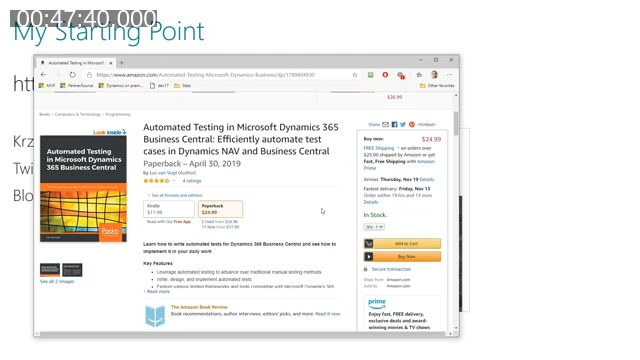
📖 Resource: Automated Testing in Microsoft Dynamics 365 Business Central by Luc van Vugt (Packt Publishing, also available on Amazon) — covers the mindset and mechanics of acceptance test driven development, mentioned by Steve as a major influence on his own team’s approach to testing.
Asked what made the whole effort worthwhile, Steve points to the moment you can turn something you’ve learned into a real result — adding a custom field to a page for a customer in minutes, after months of foundational work. That gap between “this took me a year to learn” and “this took me sixty seconds to build” is, in his words, the reward for getting through the initial learning curve.
This post was drafted with AI assistance based on the webinar transcript and video content.