
In this Areopa Academy webinar, Luc van Vugt (MVP, fluxxus.nl) makes the case that test automation in Business Central is wrongly treated as a purely technical, developer-only exercise. The session is moderated by David Singleton. Luc argues that automating tests, like implementing requirements, has both a functional and a technical side, and that the two are inseparable.
You’ll learn why treating test automation as “just a developer thing” tends to backfire, how to plan and design tests as a team activity, what a practical test plan and test breakdown look like, and what advantages a shared approach to test design brings in terms of quality, rework, and team understanding.
<img src="
A live reality check: seven statements
Luc opens with a live Slido survey, asking the roughly 20-25 attendees about their familiarity with test automation in Business Central, and whether they design tests, write test code, or both. Notably, the audience wasn’t only developers: about 39% identified as developer/technical consultant and another 39% as lead/manager, with testers and functional consultants also represented.
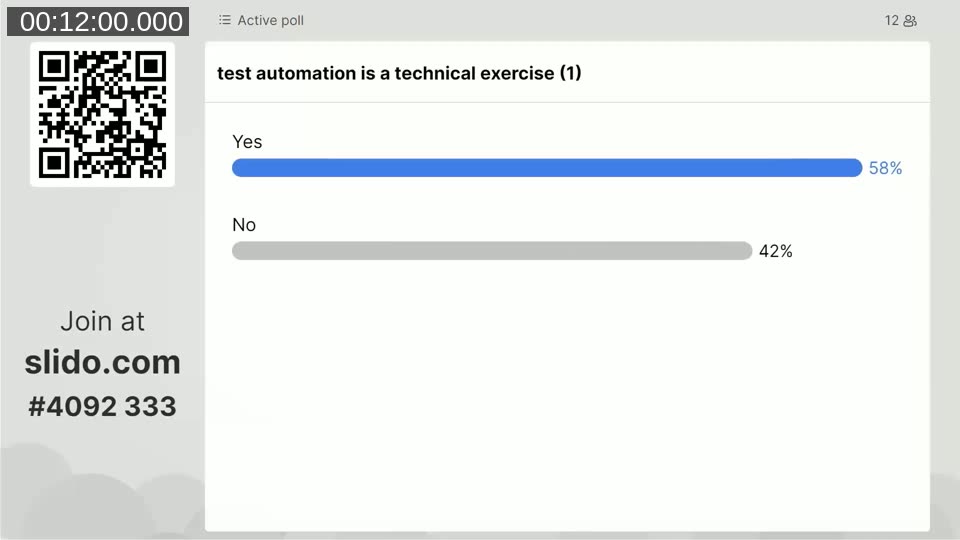
He then puts seven either/or statements to the audience, forcing a yes-or-no answer on questions like: is test automation a technical exercise, a necessary evil, a deliverable, a cost item, does it make manual testing superfluous, is it a silver bullet, and is it a unique chance. The audience leaned toward seeing it as a technical exercise (58% yes) and as a deliverable (90% yes), while rejecting the idea that it’s a necessary evil or that it makes manual testing superfluous.
The core misconception
Luc then works through his own answers to the seven statements, and challenges the majority view head-on. His experience is that test automation is often seen as a technical exercise that only developers should do — and he calls this a major misconception. Implementing requirements isn’t a purely technical exercise either, and tests are part of the requirements. If a developer doesn’t know how a feature should behave functionally, no amount of technical skill produces good test coverage.
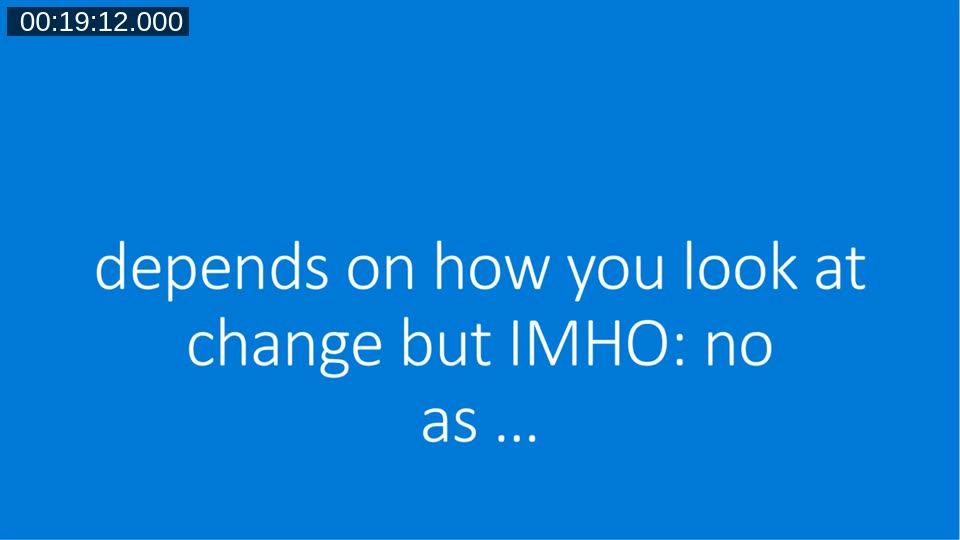
He also pushes back on several of the other statements: test automation is not a necessary evil (change, approached well, isn’t a burden), it is not the silver bullet (every “next wave” of practice shows there’s more to learn), and while it is a deliverable, treating it as only a deliverable causes teams to miss the point and the benefit. He argues test automation is not a cost item so much as an investment: the first test takes longer to write, but rework cycles shrink afterward because defects surface earlier.
What “team effort” actually means
Test automation, in Luc’s framing, has a functional component (what should the system do, and how do we validate that) and a technical component (how do we code that check) that are inextricably linked — just like requirements themselves. Automating checks doesn’t replace testing expertise; it raises the level manual testers can work at, since they no longer have to repeat the same boring checks by hand and can focus on genuine exploratory testing.
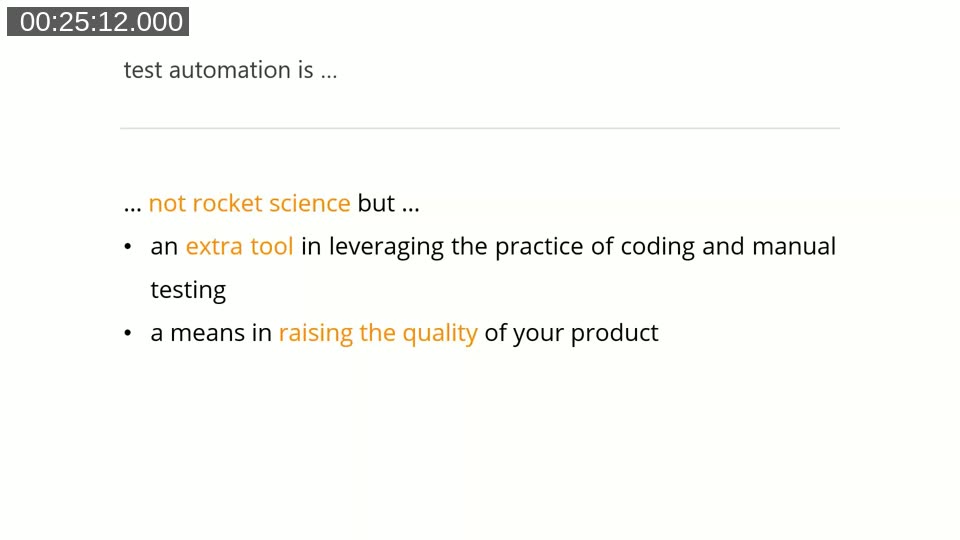
He also frames this as increasingly non-optional: with AppSource apps shipping monthly updates, a team can’t realistically re-verify quality by hand every release cycle. The Business Central testability framework has existed for over a decade — his point is that teams have had the tooling available for a long time and simply haven’t made full use of it yet.
How to make test automation a success: plan first
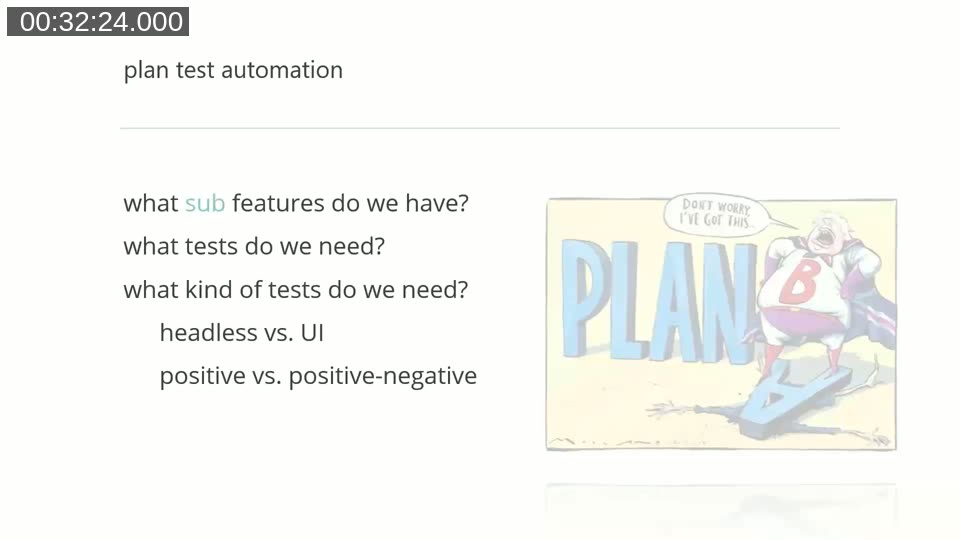
Luc’s answer to “how do you make test automation a success” starts before any code is written: at the requirements, or at minimum, with a test plan. He warns against letting a developer freehand a list of test cases from memory — without a plan, obvious scenarios and edge cases get missed.
A test plan, in his approach, breaks a feature down into sub-areas, then defines what tests are needed per area, whether each test should run through the UI or headless, and whether it’s a positive (happy path) or positive/negative (error-handling) test. He recommends preferring non-UI tests where possible: driving tests through AL test pages is roughly 5-10 times slower than direct record creation and validation.
📖 Related reading: Gojko Adzic, “Specification by Example” — Luc cites this book’s research across 50+ projects, which found that defining concrete examples in the specification is one of the pivotal practices behind successful delivery. It’s the same principle behind his test-plan-before-code approach.
From plan to design: a worked example
Once a test plan exists and has been reviewed, the next step is designing the details of each scenario: the data setup, the action, and the expected verification (a given/when/then style breakdown). Luc walks through an example test breakdown spreadsheet from a real project — a company migrating a C/AL solution to AL that needed a test app for AppSource validation — showing feature areas, individual test scenarios, UI versus non-UI classification, priority, and status columns.
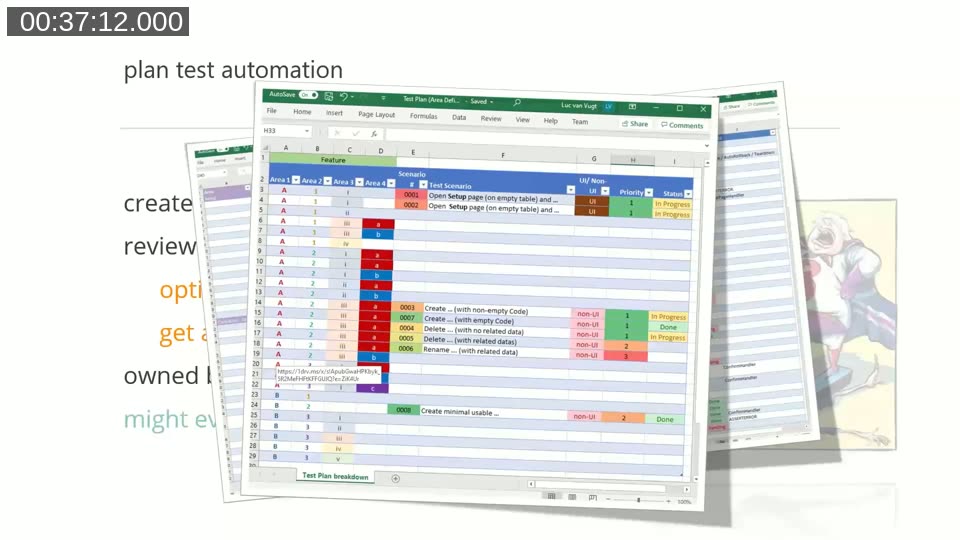
He notes that although AppSource no longer strictly requires a test app, he considers shipping without automated tests a poor practice for anything on AppSource — there’s no realistic way to manually re-verify an app every month as Business Central itself changes underneath it.
📖 Docs: Luc van Vugt, “Automated Testing in Microsoft Dynamics 365 Business Central” (2nd edition) — Luc’s own book, referenced throughout the session, covers the testability framework and the ATDD-style test design approach shown here in depth.
Who does what, and why review matters
Luc is explicit that the test plan and test set are owned by the team, not by whichever individual happens to write the AL code. Setting up the initial test plan calls for functional knowledge, so a functional role or an experienced developer is best placed to do it. Designing the detailed scenarios afterward is more accessible: functional knowledge helps but isn’t a strict requirement, so it’s a reasonable task to hand to a junior team member as a learning exercise.
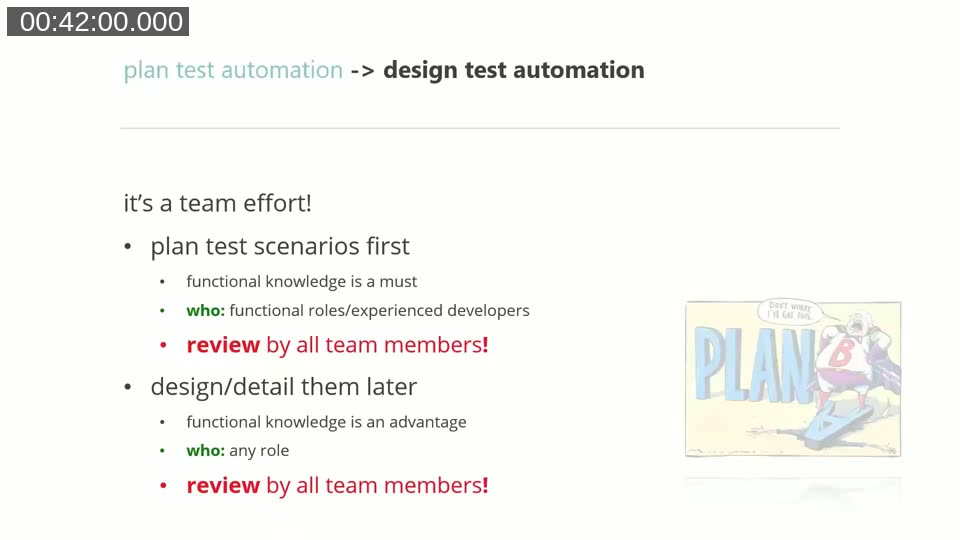
The step Luc treats as non-negotiable is review by the whole team — key users, functional consultants, developers, testers, whoever makes up the team. He connects this to the 80/20 rule: an individual can typically cover about 80% of a feature’s test scenarios in 20% of the time it would take to reach full coverage alone. A second pair of eyes from a different role tends to catch the gaps quickly, which is a lot cheaper than one person trying to reach 100% solo.
The payoff
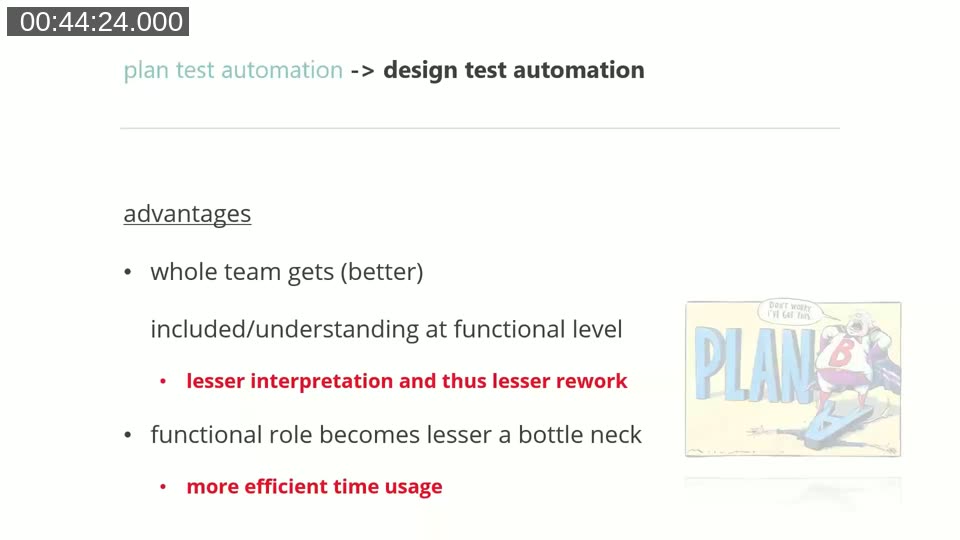
Designing tests as a team, according to Luc, pays off in several concrete ways: the whole team builds a better shared understanding of the functionality, the functional role becomes less of a bottleneck because work can be distributed, product owners and developers end up having sharper requirements discussions earlier, and there’s less rework because scenarios are interpreted consistently the first time.
He also contrasts this with the old waterfall sequence of requirements, then coding, then testing as an afterthought: working this way lets requirements, test design, and development happen in parallel, so a project doesn’t stall waiting to “figure out how to test it” once coding is already finished.
Q&A highlights
In the closing Q&A, moderated by David Singleton, Luc addressed a few practical questions from attendees:
- Are hard-coded values acceptable in automated tests? Yes, as long as they’re the obvious, fastest way to get a test running. Luc prefers writing test data directly (creating the records a test needs) over relying on existing database data, though he’s pragmatic about reusing Microsoft’s standard library data (like Chronos data) when it saves time, accepting the risk that it could change later.
- Should one test check a single requirement, or try to catch multiple issues at once? One test, one pass/fail outcome. Luc was clear that a test method should validate one flow through the code; if you need to check several distinct failure paths, that calls for separate tests, not one test trying to do everything.
📖 Related reading: Ian Cooper, “TDD: Where Did It All Go Wrong?” — Luc references this talk as a useful perspective on testing behavior rather than implementation, a distinction he applies to Business Central pages as much as to APIs.
This post was drafted with AI assistance based on the webinar transcript and video content.