
In this webinar, David Singleton (go-live.us) and Luc van Vugt (Fluxxus) sit down for a conversation about a statement Luc keeps running into: “you can’t sell test automation on customer projects.” The discussion was recorded as preparation for Luc’s session with the same title at Days of Knowledge Nordic. Rather than a technical walkthrough, this is a business-value discussion aimed at partners and consultants who deliver one-off Business Central extensions (PTEs) for customers, where test automation is often seen as something only product development can justify.
Test Automation Is Testing
Luc opens with a framing point: test automation is not a separate discipline from testing, it is a way of executing testing. His advice, based on his work part-time at 4PS, is to stop talking about “test automation” as a goal in itself. Instead, define what needs to be tested, decide which of those tests are worth automating, and start from there. The coding skill required is different, but the underlying activity is still testing.
What Counts as a “Customer Project”?
The webinar scopes “customer project” narrowly: a per-tenant extension (PTE) built for one customer, layered on top of Microsoft’s base app or another extension. It is a one-off, not a repeatable product such as an AppSource app. That distinction matters because the argument “you can’t sell automation on a one-off” is the exact claim David and Luc set out to test.
Six Questions to Assess a Customer’s Test Effort
To move the discussion from opinion to something a partner can actually use with a customer, David and Luc work through a set of questions, each framed as a card drawn during the session.
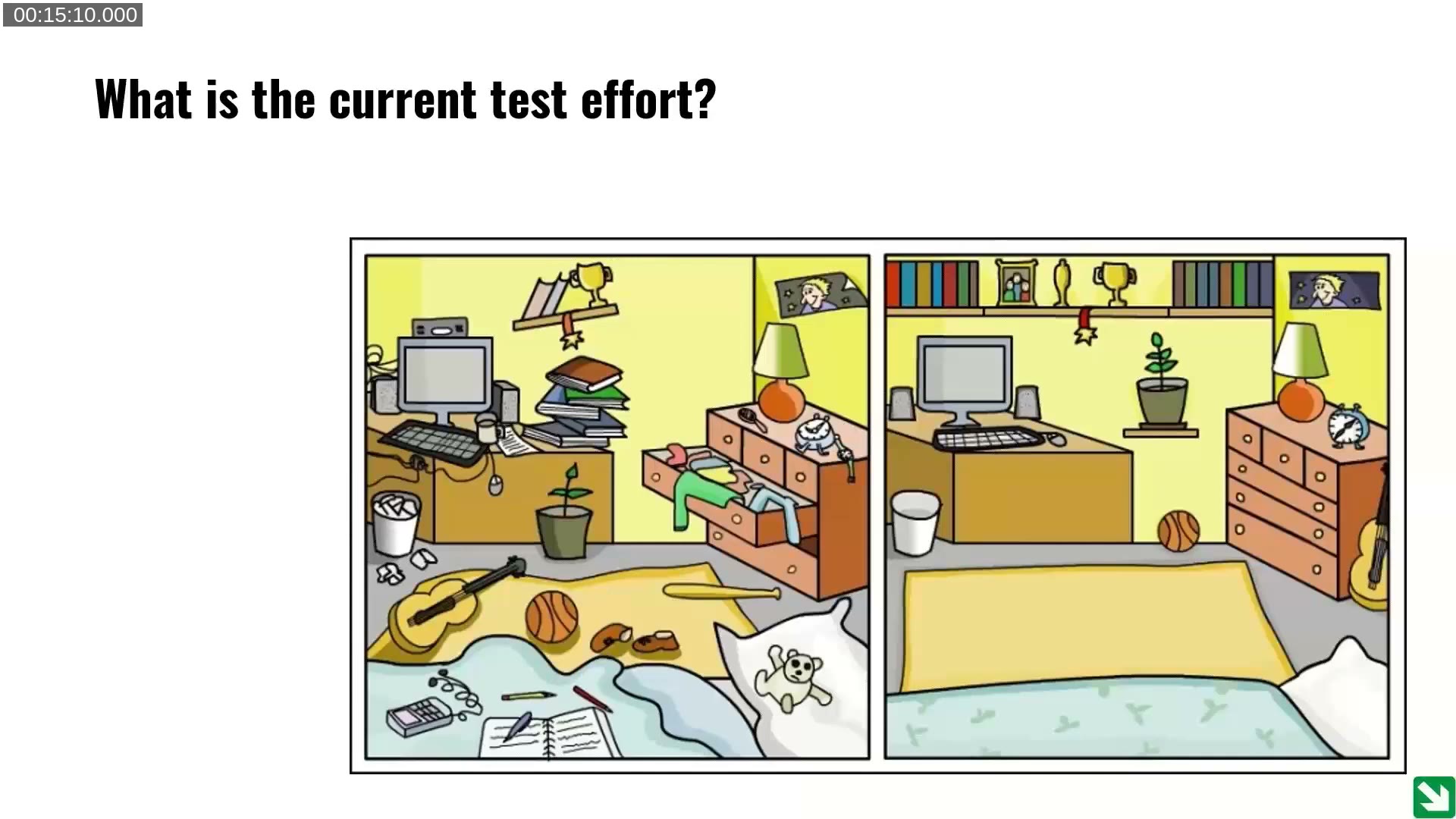
What is the current test effort?
Before proposing anything new, the presenters recommend finding out how the customer already tests: is there a defined, repeatable set of tests, or is testing ad hoc and undocumented? At 4PS, tests are organized in a test management tool and categorized by priority (critical, high, medium, low), so the team always knows what a regression run should cover. A customer with no equivalent structure is a very different starting point than one who already has a test run book.
What is the recurring test effort load?
Cloud-based Business Central environments update monthly (or at minimum every 90 days when updates are postponed). Every one of those updates requires enough testing to confirm the system is still healthy. The question is whether that recurring load is small (a “mouse”) or large (an “elephant”) relative to what the team and the customer can realistically repeat every month.

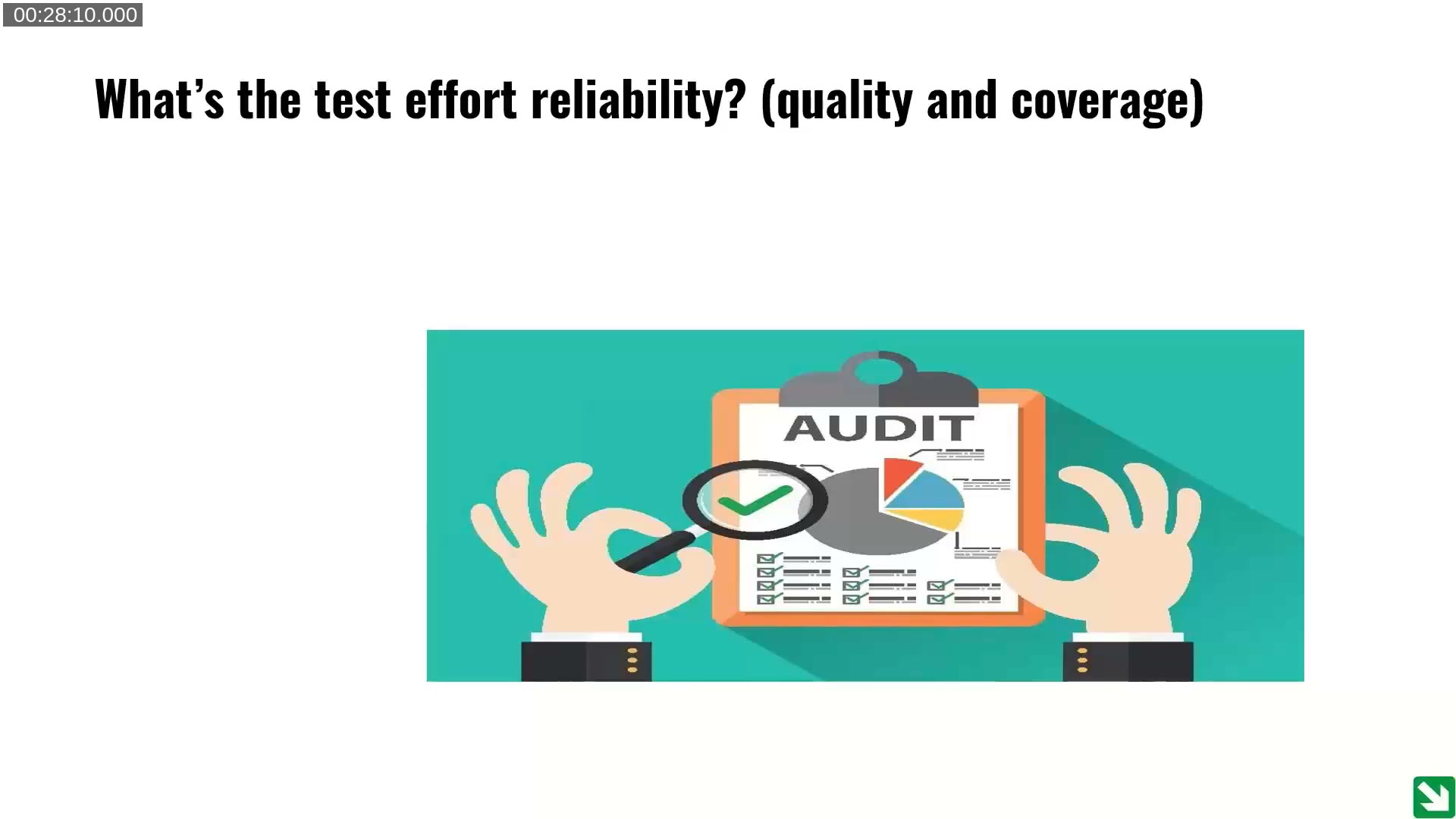
What is the test effort reliability (quality and coverage)?
A large number of tests is not the same as reliable tests. David and Luc caution against treating code coverage as a “holy grail” — a project can hit 80-100% code coverage and still miss entire functional flows. A more useful signal is outcome-based: does the customer rarely find issues after go-live, or do defects keep surfacing post-launch despite testing effort? The latter points to a coverage or quality gap in the existing test set, automated or not.
What is the test effort lead time?
This is presented as the simplest of the questions. If the full test effort can be completed manually in a single day, there is a real argument against automating it — teams can absorb that cost every month. If it takes a week or more, manual testing cannot keep pace with the monthly update cadence, and the argument shifts firmly toward automation. David adds that lead time is only part of the picture: quicker discovery of defects also means cheaper fixes, since cost tends to rise the longer a bug goes undetected.
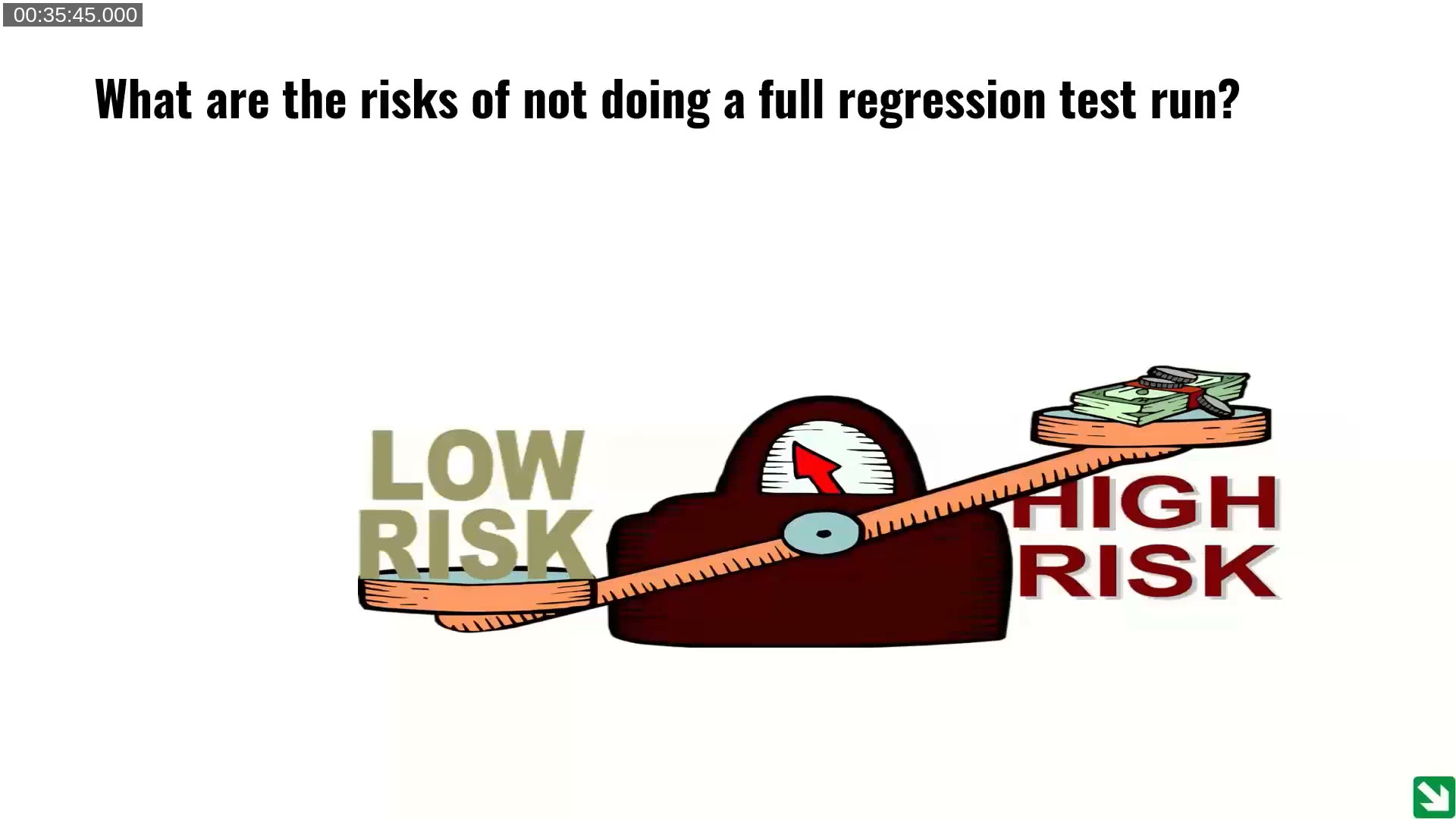
What are the risks of not doing a full regression test run?
Every code change carries a statistical chance of introducing a new defect — David and Luc cite roughly 2-5%, depending on developer experience and how well requirements were specified. On top of that base rate, the presenters stress that badly written specifications cause more defects than badly written code, and that a wrong spec followed correctly is much harder to untangle than a coding mistake. The real question a partner has to help the customer answer is not just “how likely is a defect”, but “what does it cost the business if the system is down when we’re wrong” — for one of Luc’s customers, a logistics outage at a supermarket chain was quantified in hundreds of thousands of dollars per day.
Can the team(s) involved bear the risk?
The final card asks whether the team has the right people, not just enough people, available when something breaks. David points out that high-risk scenarios (he uses a retail/logistics example) need someone who understands both the business need and the technical fix, and that this kind of specialist is increasingly hard to find and retain. A well-defined, ideally automated, test set lowers the bar for less senior team members to step in and verify changes safely — which matters as experienced consultants retire and are harder to replace.
Two Insurance Offerings: From Yellow to Green
Building on those six questions, Luc proposes reframing the conversation with customers as an insurance choice rather than a mandate. Like health insurance, or the dentist analogy Luc uses (strong teeth may not need extensive coverage, but most of us eventually do), the point is to give the customer a real choice and make the trade-offs explicit, rather than pushing test automation on every project regardless of fit.

- Insurance 1 (yellow): the customer trusts its current test practice, accepts the full risk, and agrees upfront that after-go-live fixes are billed on an hourly basis. The key is making that billing arrangement explicit in the contract, rather than leaving it as an open-ended dispute about who caused the defect.
- Insurance 2 (green): the partner delivers full-blown QA — test plans, test design, test automation, and pipelines that run the extension against Microsoft’s next-minor and next-major builds before they are released. This surfaces incompatibilities early, though it cannot catch a fix Microsoft makes in the final days before a release.
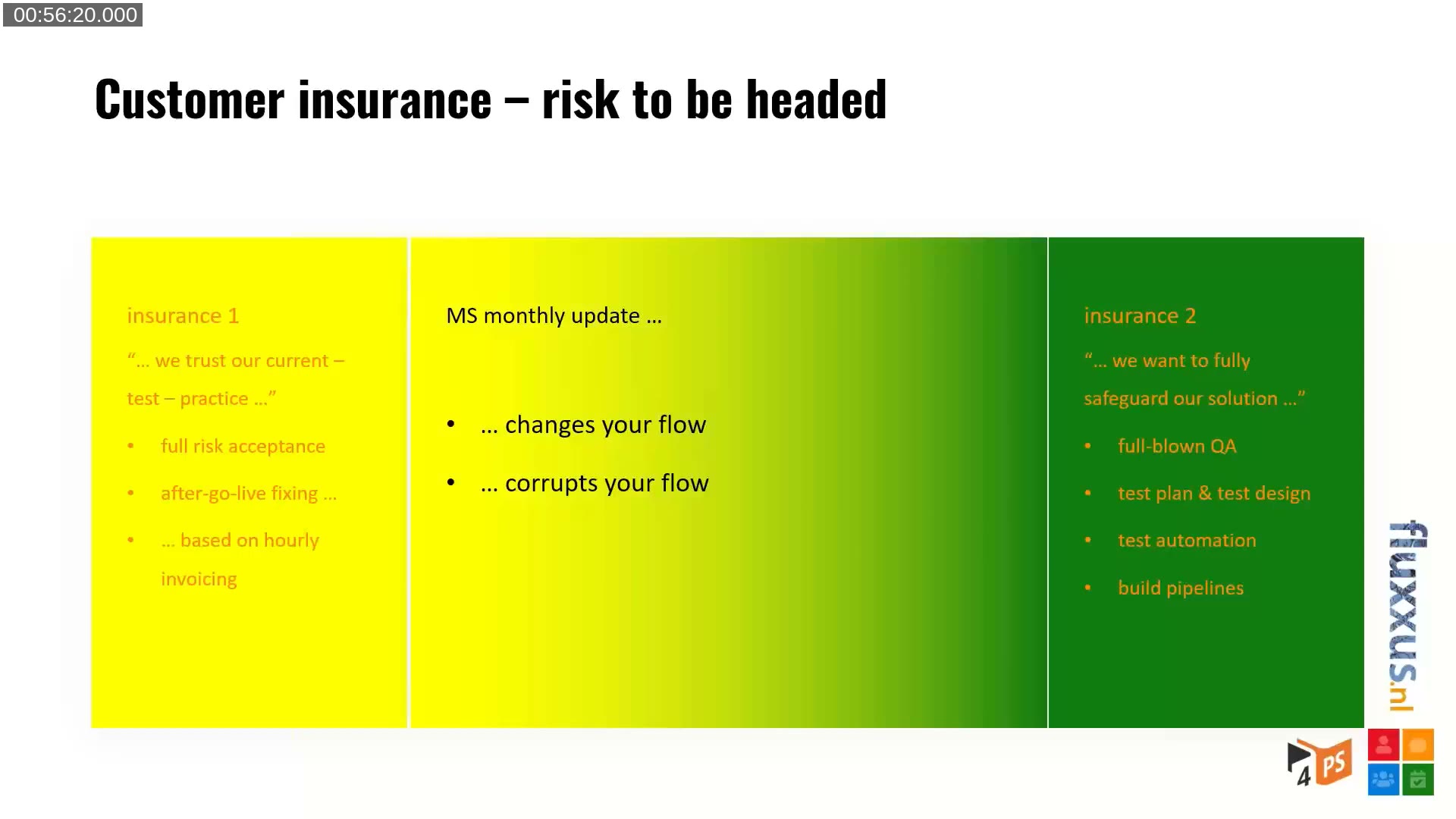
Offering both options, rather than presenting automation as the only “correct” answer, is what Luc argues makes the sale realistic. He also notes that partners handling PTEs, AppSource add-ons, and vertical solutions with one unified testing process (instead of three different manual processes) reduce management and staffing overhead — which can itself be part of the pitch to a customer.
The Surplus of “Insurance 2”
Beyond risk mitigation, Luc lists secondary benefits that come from committing to full QA: writing a test plan for every requirement forces better requirements up front, developers get to validate their own work before handing it to a tester, and the whole team — including customer key users — builds shared knowledge of how the solution is supposed to behave. None of this depends on full automation; a well-defined, reviewed test plan is valuable even before it is automated.
Q&A: Starting Automation on an Already-Live Project
During the Q&A, an attendee asked how to start test automation on a project that already went live without it, especially after a rough major update. Luc’s answer: the starting point is the same whether the project is new or already live. Define, at a high level, the tests that validate each feature. Then detail each one — the data setup required, and what should be verified afterward (field values, ledger entries, and so on). That step alone, done without any automation yet, already produces a reproducible test set that any role on the team (tester, functional consultant, or developer) can execute and review. Automation is the next step once the test itself is clearly defined.
📖 Book: Automated Testing in Microsoft Dynamics 365 Business Central, 2nd Edition — Luc van Vugt’s book on automating test cases in Business Central, referenced during the introduction.
📖 Docs: Test codeunits and test methods — the AL framework underlying the automated regression tests discussed in the “insurance 2” offering.
📖 Docs: Options for regression testing for Dynamics 365 solutions — an overview of regression testing approaches for Business Central and other Dynamics 365 apps.
📖 Docs: Install and run the Test Toolkit — a Microsoft Learn training module covering the built-in Business Central Test Toolkit referenced throughout the webinar.
This post was drafted with AI assistance based on the webinar transcript and video content.