
In this April 2020 webinar, Eric Wauters (known in the community as Waldo) and Arend-Jan Kauffmann cover the developer-relevant changes shipping in Business Central 2020 Wave 1 (version 16). Moderator Luc van Vugt keeps the session moving across more than a dozen topics in under an hour. The session was originally planned as a Dutch Dynamics Community event but was moved to an Areopa webinar following the COVID-19 situation.
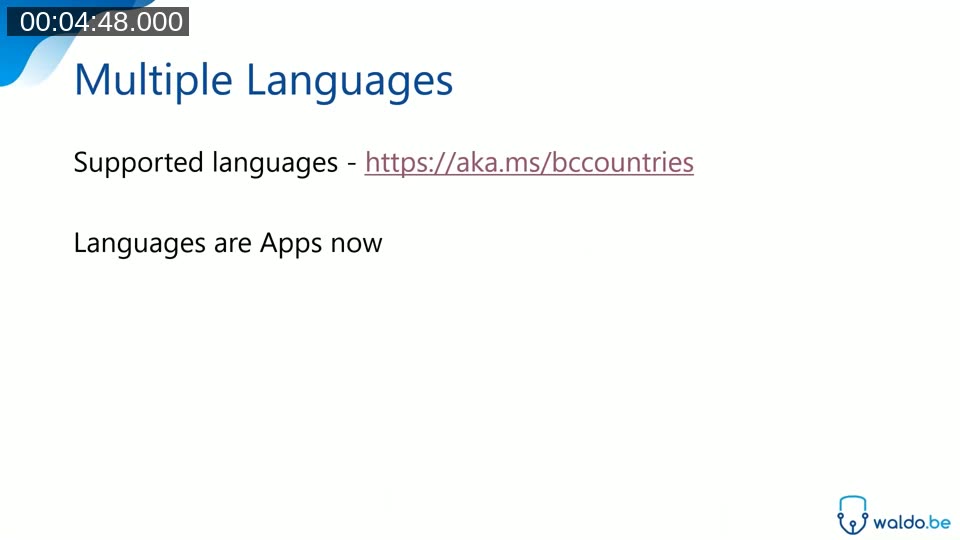
Languages Are Apps Now
Starting with version 16, Business Central languages ship as separate installable apps rather than being bundled with the platform. The full list of supported countries and languages is available at aka.ms/bccountries. In SaaS environments, language apps appear in AppSource and can be installed like any other extension.
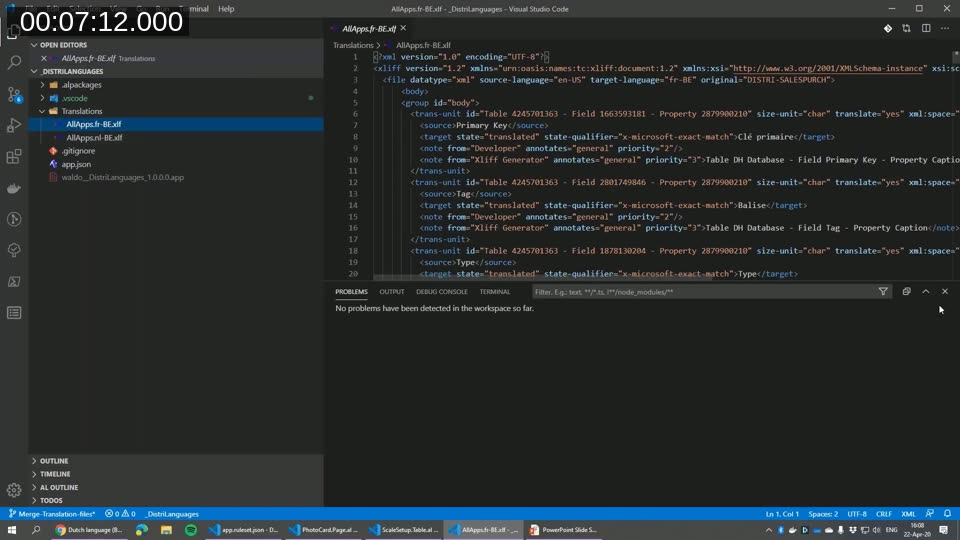
For developers, this means it is now possible to create a language app that translates any existing extension. The app itself contains only XLIFF translation files and an app.json — no AL objects are required.
One current limitation is that a single language can only have one translation file per app. In a multi-app dependency scenario, the translation files must be merged into a single XLIFF file before packaging. Waldo demonstrated a working merged file covering both Dutch and French translations for a suite of related apps.
Interface Object
Version 16 introduces a first-class interface object type in AL. An interface defines a technical contract — a set of method signatures that any implementing codeunit must provide. The compiler enforces the contract, so a codeunit that declares implements IScale will not compile unless every method in the interface is present with the correct signature.
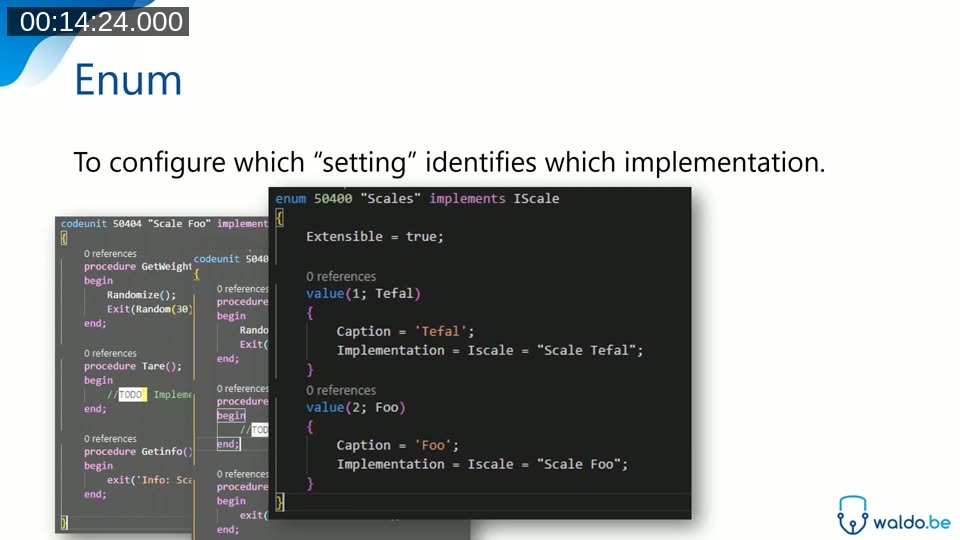
Waldo illustrated the value with a scale-integration scenario. The IScale interface declares GetWeight, Tare, and GetInfo. Each hardware vendor is covered by a separate codeunit that implements the interface. An enum named Scales maps each enum value to its implementation codeunit via the Implementation property. Business logic assigns the enum value from a setup table and uses the interface variable to call methods — no case statement needed.
interface IScale
{
    procedure GetWeight(var ScaleArguments: Record "Scale Arguments");
    procedure Tare(var ScaleArguments: Record "Scale Arguments");
    procedure GetInfo(var ScaleArguments: Record "Scale Arguments");
}
enum 50400 "Scales" implements IScale
{
    Extensible = true;

    value(1; Tefal)
    {
        Caption = 'Tefal';
        Implementation = IScale = "Scale Tefal";
    }
    value(2; Foo)
    {
        Caption = 'Foo';
        Implementation = IScale = "Scale Foo";
    }
}
In a dependent app, adding support for a new scale brand requires only a new enum extension value and a new codeunit — the core business logic does not need to change. Waldo compared this to the old facade pattern, which required an argument table and a RunMethod codeunit to achieve the same decoupling, and noted the new approach is considerably simpler.
Camera and Location Access
Business Central version 16 exposes camera and GPS hardware to AL extensions running in the browser. The system application ships a Camera codeunit that works in SaaS extensions without DotNet interoperability, making it compatible with AppSource apps. Waldo demonstrated taking a photo using the standard customer card in Chrome, where a camera action calls Camera.RequestPictureAsync(CameraOptions).
Location access (GPS) was also added in version 16, but at the time of this webinar the Microsoft documentation examples relied on DotNet interop, which is not available in cloud extensions. Waldo noted he could not find a cloud-compatible equivalent of the Camera codeunit for location, and expressed hope that a Location system codeunit would follow. The GitHub repository for Camera and Media Interaction in the system app is at ALAppExtensions/Modules/System/Camera and Media Interaction.
Obsolete Tag Property
Version 16 adds an ObsoleteTag property for AL objects and fields. The tag is a free-text string intended to record the version in which the element became obsolete — for example ObsoleteTag = '16.0' — giving developers a way to understand roughly when an obsolete element will be removed. Microsoft’s convention is to remove elements two major versions after they are marked obsolete.
The new Field Trouble Info page in Business Central lists all fields in installed apps, shows their captions and system names, and can be filtered to display only obsolete fields. Waldo recommended reviewing this list to check whether any fields that an extension depends on are scheduled for removal.
Read Scale-Out
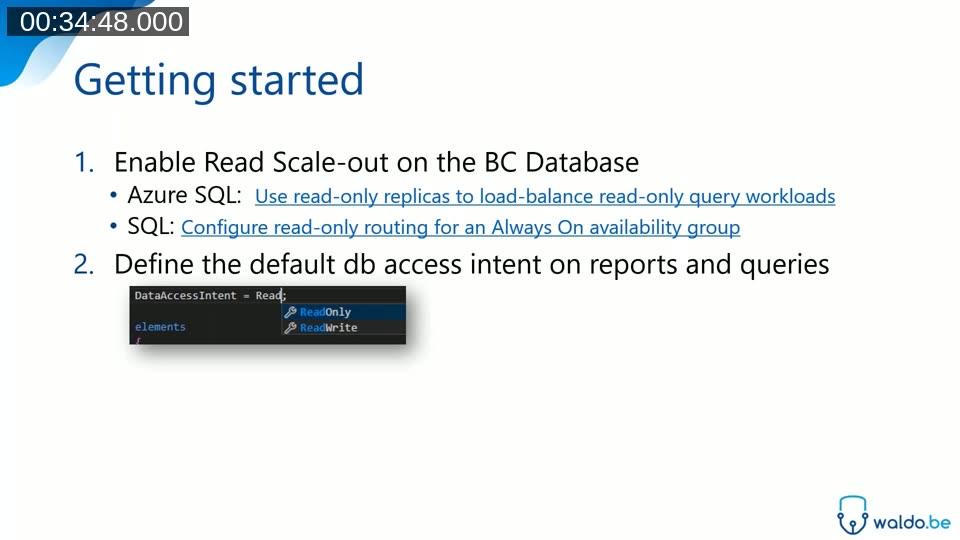
Version 16 introduces support for SQL Server read scale-out. When an Always On availability group is configured at the database level, Business Central can route read workloads for reports, queries, and API pages to the secondary replica, reducing load on the primary database.
The DataAccessIntent property on report, query, and API page objects controls the default behaviour. The Database Access Intent List page in Business Central allows per-object overrides at runtime, so a specific report can be forced back to the primary database if replication lag is a concern.
Updated CodeCop Rules
Several CodeCop rules were tightened or introduced in version 16. The most notable changes are:
- File names: The CodeCop now enforces the naming convention
<ObjectNameShort>.<ObjectTypeShortPascalCase>.al. The CRS AL Language Extension can automate the renaming. - Unused parameters: The unused-variable warning now extends to unused procedure parameters, not just local variables.
- Enum assignment strictness: Assigning a value from one enum type to another is now a compiler error. The new
AssignmentCompatibilityproperty can relax this where needed. - Placeholders must be explained: Variables used in
StrSubstNocalls require a comment documenting what each placeholder represents.
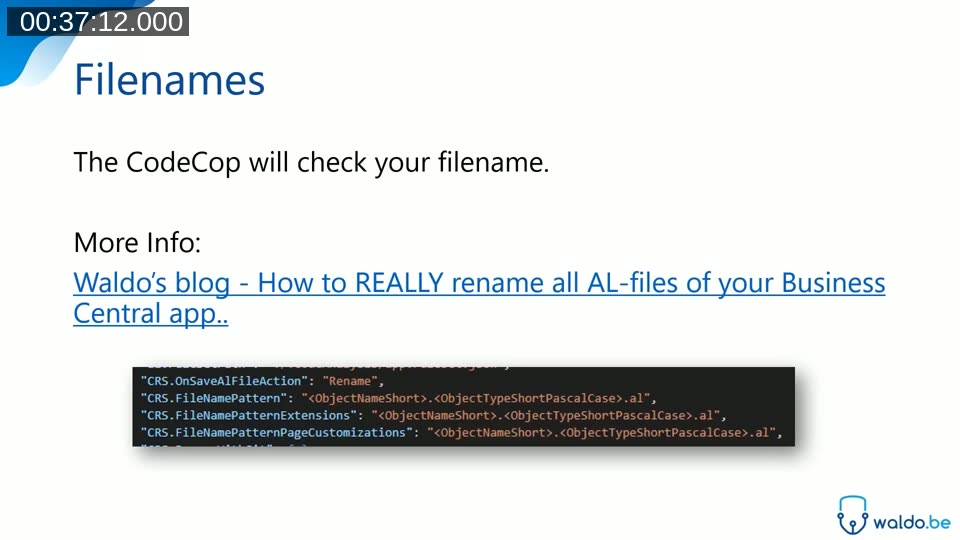
Waldo suggested a practical migration strategy for existing codebases: create a branch, disable all failing rule sets so the project compiles cleanly, commit, then re-enable one rule set at a time and fix each category in isolation. This makes it easier to track progress and keeps PRs focused.
Non-Interactive Cloud Printing
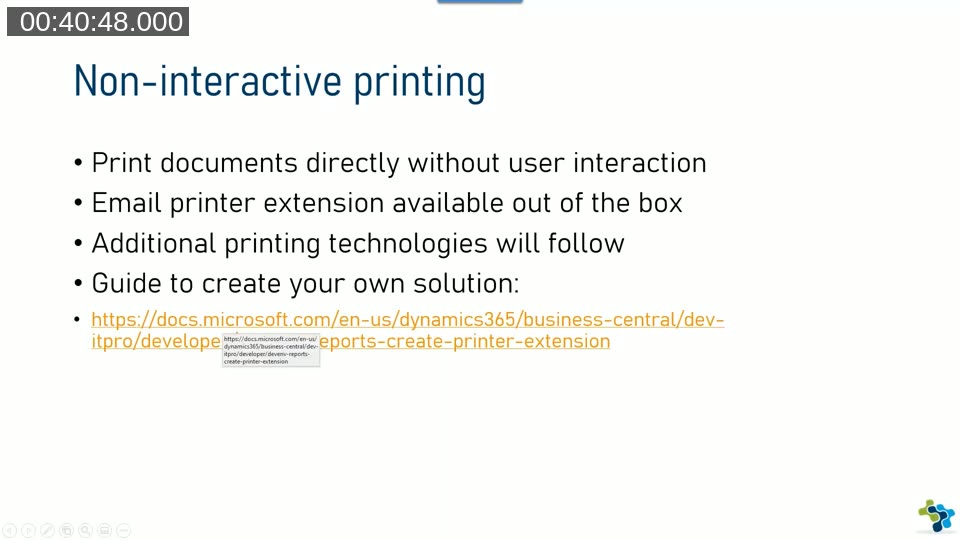
Version 16 adds non-interactive printing for Business Central in the cloud. Instead of showing the user a PDF preview in the browser, the print output can be intercepted in AL and routed directly to a printer or email address.
The mechanism is the OnAfterDocumentPrintReady event in Codeunit "Report Management". The event provides the object type (report or page), the object ID, an ObjectPayload JSON object containing the printer name, and the document as an InStream variable holding the PDF output. Returning Success := true suppresses any further browser output.
[EventSubscriber(ObjectType::Codeunit, Codeunit::"Report Management",
    'OnAfterDocumentPrintReady', '', false, false)]
local procedure HandlePrint(ObjectType: Option; ObjectId: Integer;
    ObjectPayload: JsonObject; DocumentStream: InStream; var Success: Boolean)
begin
    if Success then exit;
    if ObjectType <> ObjectType::Report then exit;
    // Read printer name from ObjectPayload, send DocumentStream via email
    Success := true;
end;
An Email Printer extension is available out of the box. It accepts a printer name, an email address, a subject, and optional body text. Many modern printers accept print jobs sent to a dedicated email address, so the email printer is often a practical zero-configuration solution. Arend-Jan demonstrated printing a sales order confirmation — no PDF appeared in the browser; instead the PDF arrived in his email inbox.
OnAfterDocumentPrintReady event.
Application Version Property
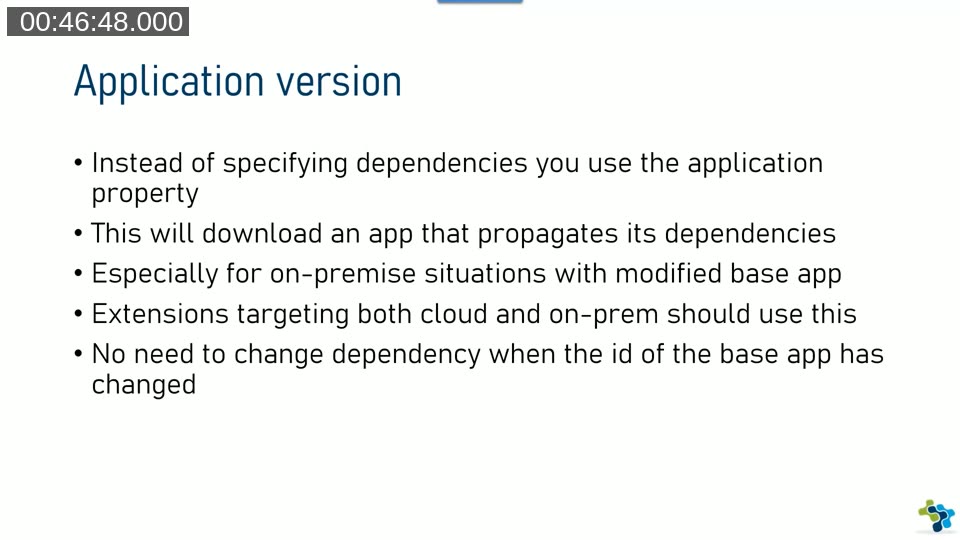
Extensions that need to run on both standard SaaS and modified on-premise base apps face a dependency problem: a modified base app may have a different app ID than the standard one, causing a dependency mismatch. Version 16 introduces the application property in app.json as an alternative to listing explicit dependencies.
When an extension sets "application": "16.0.0.0", the compiler downloads a special application app that declares PropagateDependencies = true. This propagated app pulls in the system application and base application automatically, regardless of their IDs. The extension developer does not need to know or track the exact ID of the modified base app.
Common Data Service Integration
Version 16 introduces tighter integration between Business Central and Common Data Service (CDS), which is the data platform underlying Dynamics 365 Sales, Customer Service, and other Power Platform applications. The integration allows data to be synchronized bidirectionally between Business Central tables and CDS entities, enabling scenarios such as showing Business Central data in Power Apps or reacting to CRM events in Power Automate.
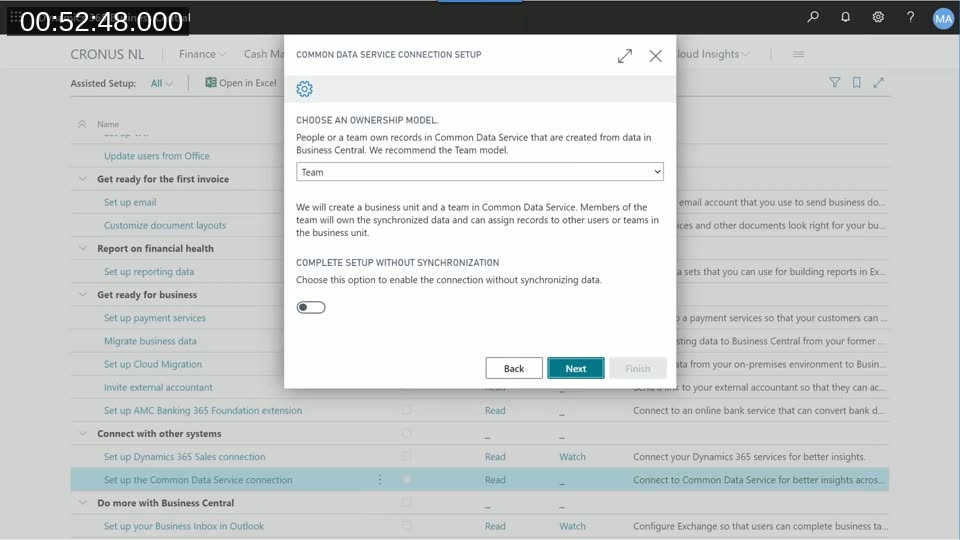
Setup is done through the Common Data Service Connection Setup assisted setup guide. After authenticating with an account that has the System Administrator and Solution Customizer roles in CDS, the wizard prompts for an ownership model (Team is recommended) and starts the initial synchronization. The Integration Table Mapping page lists the out-of-the-box entity mappings and allows field-level configuration.
For developers, a new table type TableType = CDS was added to AL. However, Microsoft recommends using the integration mapping approach rather than creating direct CDS-type tables. At the time of this webinar, the documentation for adding custom entities to the mapping was incomplete and the feature was not fully released.
Application Insights Telemetry for Web Services and Reports
Starting with version 16, Business Central emits telemetry events to Azure Application Insights for web service requests and report execution. The telemetry includes execution time and timeout information, allowing partners to monitor environment performance and detect issues before customers raise support tickets.
Arend-Jan noted that getting value from Application Insights requires familiarity with Kusto Query Language (KQL). He recommended investing time in learning KQL, pointing to conference sessions and online resources as a starting point.
This post was generated with AI assistance based on the Areopa Academy webinar recording. Content has been reviewed for accuracy. Timestamps link to the relevant section in the video.