
In this Areopa webinar, waldo (iFacto Business Solutions) takes viewers behind the scenes of how a Business Central development team works day to day. Moderated by Luc van Vugt, the session covers the full development cycle at iFacto: design guidelines, the in-house Docker-based development environment, DevOps repository conventions, code review, CI/CD, translations, and automated testing.
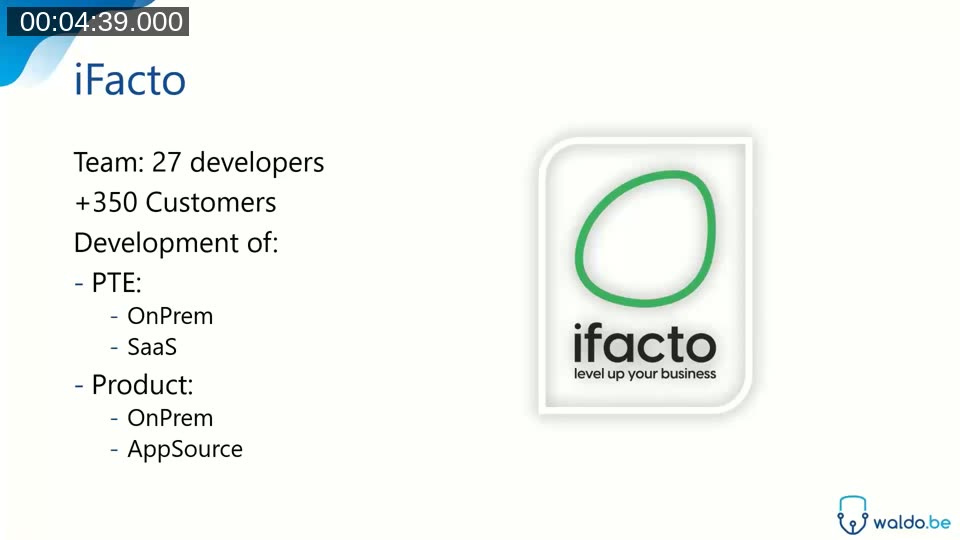
waldo is a founding partner and development manager at iFacto, where a team of 27 developers serves more than 350 customers, building both per-tenant extensions and AppSource products for OnPrem and SaaS.

iFacto in numbers
iFacto has been a Business Central (and NAV) partner for about 20 years. Its 27-strong development team supports over 350 customers, and the company still maintains a significant OnPrem installed base alongside its SaaS and AppSource business.
Design guidelines
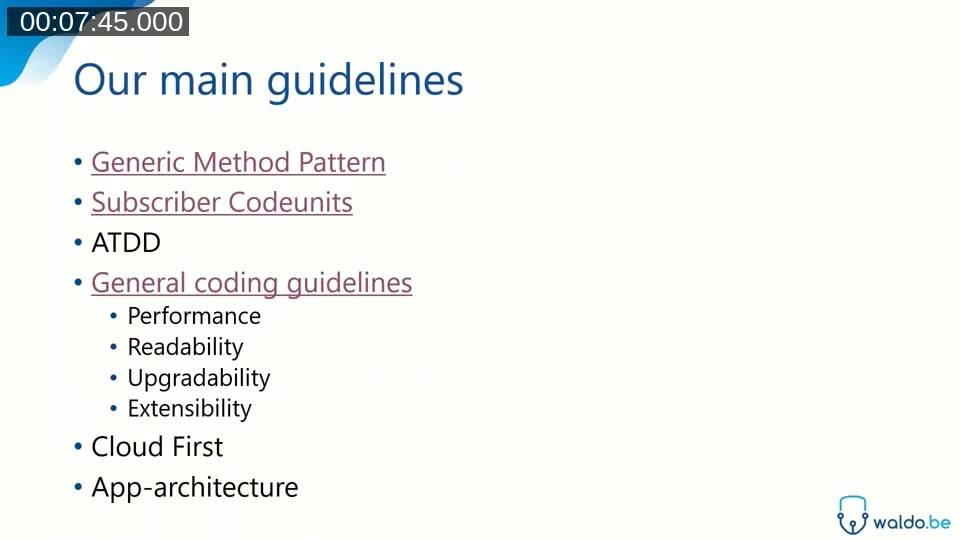
waldo’s guiding principle is to keep the development process as simple as possible, while making sure the result is future-proof, extendable, upgradable, and repeatable. iFacto applies the same set of guidelines everywhere: OnPrem or SaaS, for customers or for products.
Generic Method Pattern
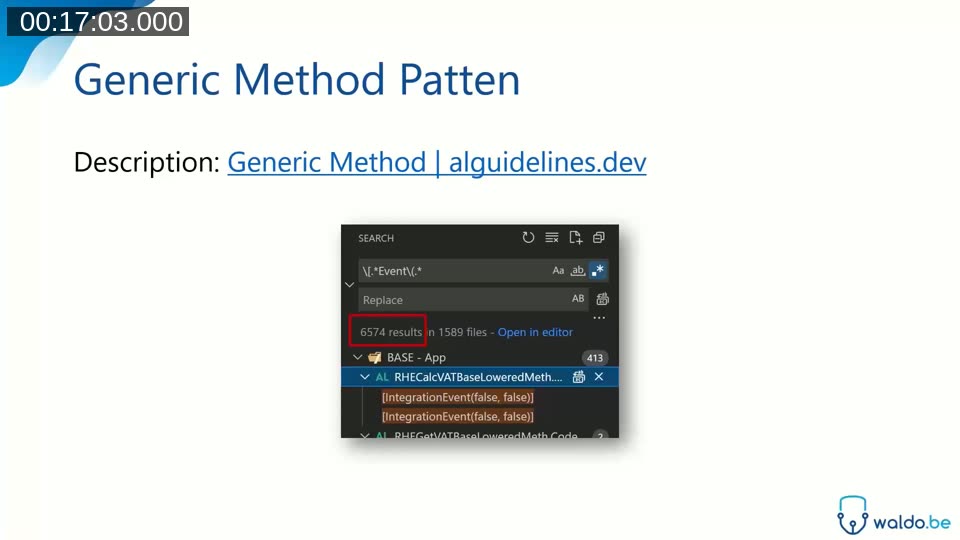
The Generic Method Pattern isolates business logic in its own codeunit, wrapped with an OnBefore and OnAfter event. This makes the logic extendable and decouplable: a partner can fully replace the default implementation by handling the OnBefore event, without needing to modify the original code. Applied consistently across the product, this pattern is responsible for more than 6,500 published events in iFacto’s codebase.
📖 Docs: Generic Method Pattern — alguidelines.dev — the pattern description waldo refers to throughout the session.
waldo notes a known trade-off: if multiple parties handle the same event, only one implementation wins. In practice, this is manageable as long as it’s clear who owns the handling of a given method — having too many extension points is preferable to having too few.
Subscriber codeunits
Subscribers are grouped into small, purpose-specific codeunits rather than one large catch-all codeunit. iFacto names these codeunits with a Subs suffix, and each one subscribes to a single functional area. Keeping subscriber codeunits small limits how much code needs to load into memory when an event fires, and makes it obvious at a glance what each codeunit hooks into.
📖 Docs: Subscriber Codeunits — alguidelines.dev — covers keeping codeunits small, using a single-instance codeunit, and only subscribing when necessary.
ATDD and general coding guidelines
iFacto also encourages Acceptance Test Driven Development (ATDD): writing a test before writing the business logic it will validate. waldo is candid that adoption varies among developers — some write tests first, others write them at the end, but the practice is part of the guideline set regardless.
General coding guidelines focus on data access: using keys correctly, applying SetLoadFields, and avoiding CalcFields in loops in favor of auto-calculated fields where appropriate. These are checked in code review rather than enforced only by tooling.
Cloud First
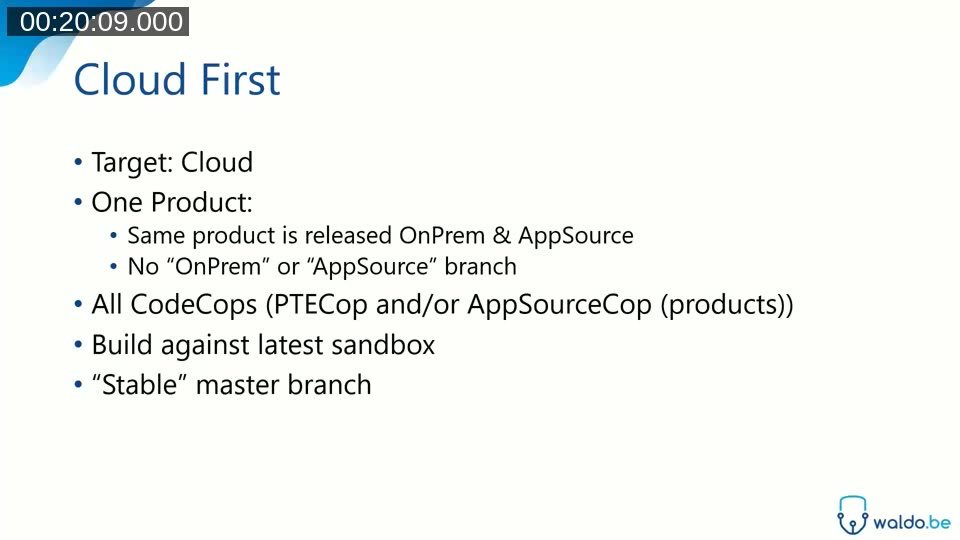
Every app at iFacto targets Cloud in its app.json, with a single historical exception: a small app that sets Windows authentication for REST calls, a capability only available OnPrem. Beyond the target platform, iFacto ships exactly the same code OnPrem and on AppSource, with no compiler directives distinguishing the two. All CodeCops are enabled, builds run against the latest sandbox, and the master branch is kept stable at all times, since an AppSource app can’t be hotfixed directly — a fix has to go out as a new version.
App architecture
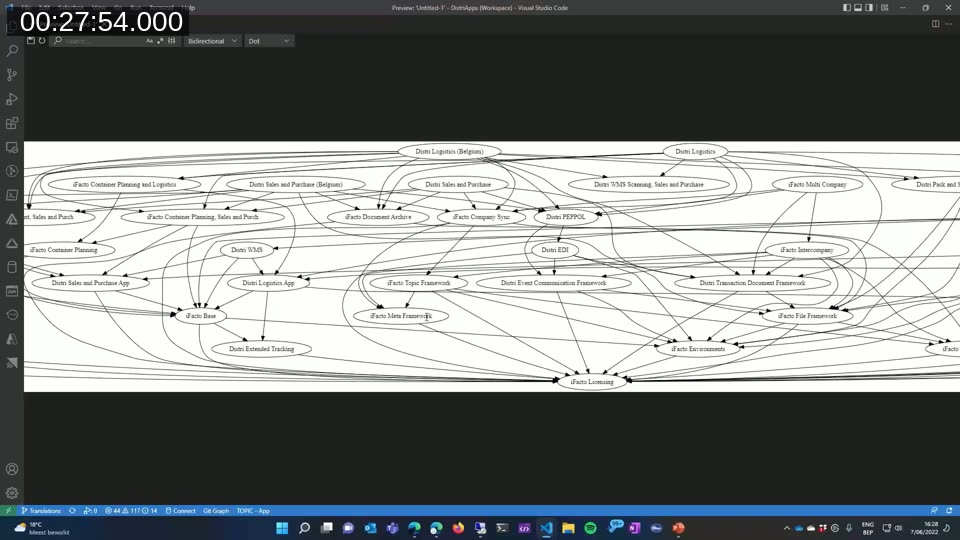
Instead of one large monolith, iFacto’s product is split into many small, interdependent apps. The resulting dependency graph looks like a web of connections, but waldo describes real structure underneath it: a foundation of framework apps (licensing, tracking, environment), several layers of functional apps on top, and a set of “offering” apps that bundle a subset of the collection for a specific AppSource listing. Customer development, by contrast, is kept intentionally simpler: one dedicated app per customer.
Development environment: Hadock
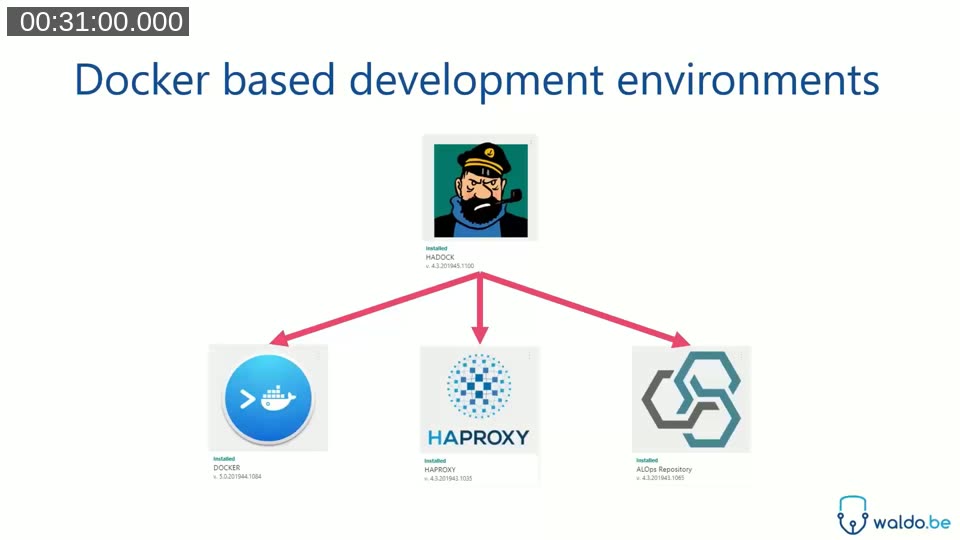
Before a developer can start working, they need an environment. iFacto built an in-house tool called Hadock (a Docker/Haddock pun) that provisions Docker-based Business Central containers on demand. Developers pick a template — image version, license, and the set of apps to install — and Hadock spins up a container, typically within a few minutes, without the developer needing to know anything about Docker itself.
DevOps repository conventions
Every repository at iFacto follows the same structure, whether it belongs to a customer project or a product app: the same folder layout, the same pipelines, and repository-level settings (rule sets, CodeCops, file naming conventions) that apply to every contributor regardless of local configuration. Recommended VS Code extensions are configured per repository so new developers are nudged toward the right tooling from the start. Larger apps are organized into module folders, grouping every object (table, page, codeunit) for a given piece of functionality together.
Code review
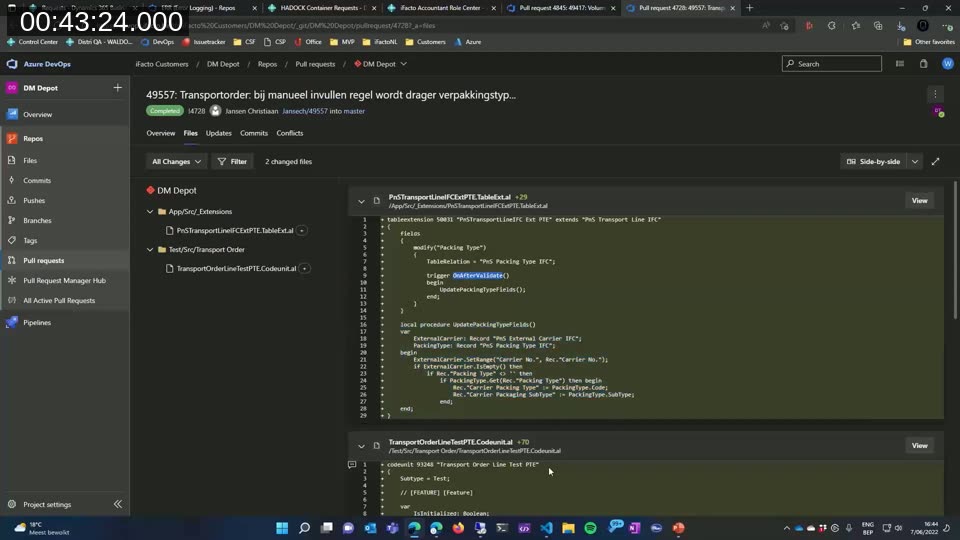
Every single pull request is reviewed, for every customer and every product, by one of iFacto’s five “dev leads.” This is a compliance check, not a functional review: reviewers look for a test, correct data access patterns (keys, SetLoadFields), locking awareness, and adherence to the Generic Method Pattern and subscriber conventions. waldo walks through several real pull request examples, including cases where the team accepted a smaller-than-ideal test rather than delay a customer’s release, and a case where a missing SetLoadFields was caught before merge.
Dev leads take on responsibility for a fixed group of developers, mentoring them and identifying where extra training is needed, rather than acting purely as gatekeepers. In the Q&A, waldo explains that developers grow into the dev lead role once they’ve demonstrated a strong, proven grasp of the guidelines — there’s no fixed formal criterion beyond that.
Continuous Integration
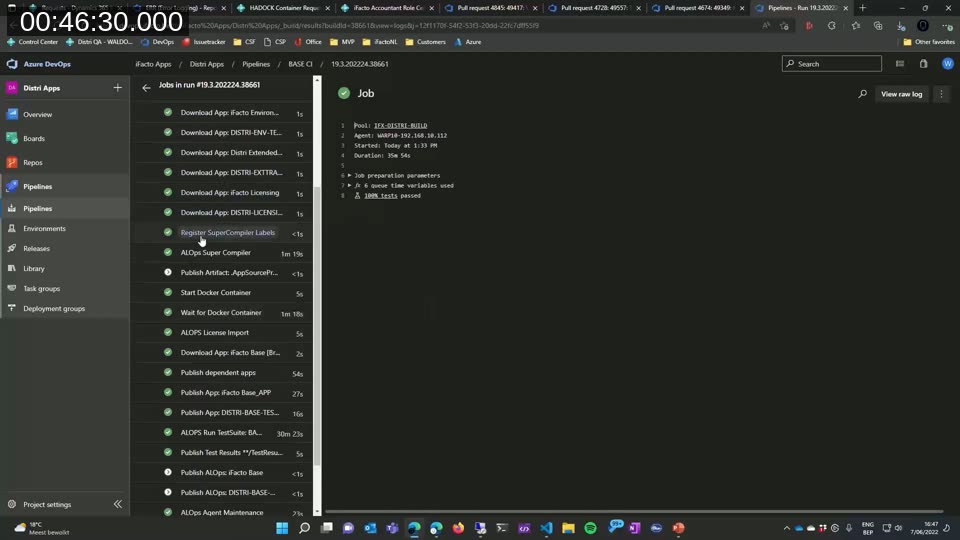
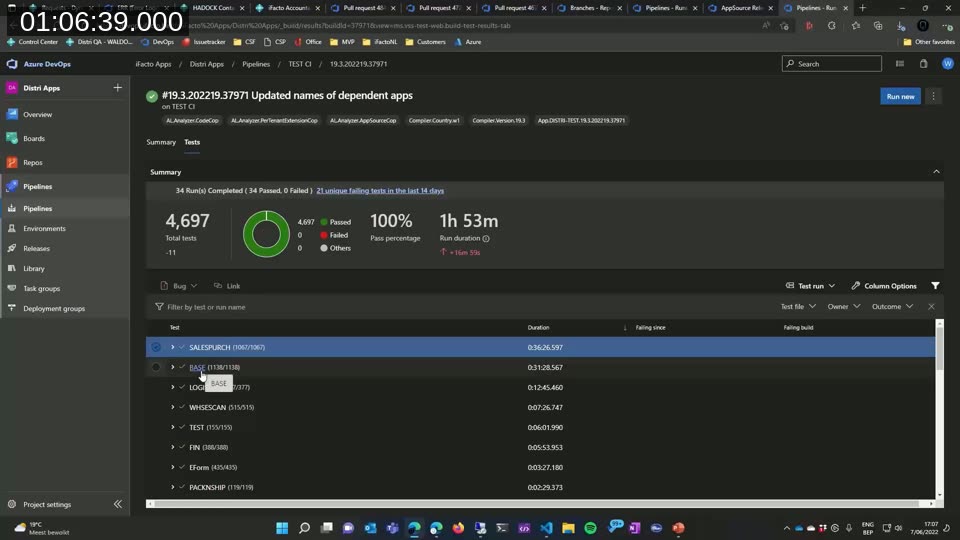
Every app has its own CI pipeline. A fast compile step surfaces breaking changes within a minute or two. A Docker container is then spun up to install both the previous and current versions of the app — checking not just for breaking changes, but that the upgrade codeunit runs correctly — before the full test suite executes. For iFacto’s main product, that means roughly 1,200 tests run on every pull request and every CI build.
Continuous Deployment
For customer environments (OnPrem and SaaS alike), iFacto uses the ALOps External Deployer, a free, publicly available tool that enables Business Central’s Automation API-based deployment even in OnPrem environments where it isn’t natively supported.
📖 Resources: ALOps External Deployer on GitHub and waldo’s original write-up, Deploying from DevOps the right way.
For AppSource, there’s no equivalent automated upload yet, so iFacto’s release pipeline runs Microsoft’s AppSource validation against every individual offering in the collection, ensuring each one succeeds independently before packaging the artifacts used for the manual Partner Center upload.
On the branching model: iFacto deliberately avoids Git Flow for customer projects, relying only on feature branches merged into a single stable branch. waldo is upfront about the trade-off — this makes true hotfixing (excluding other in-flight features) impossible, since a push to the stable branch is always cumulative. For iFacto, with roughly 40 live Business Central customers, the simplicity has outweighed that limitation.
Translations
Translations happen periodically — typically at the end of a sprint or release cycle — using AL Studio, which lets translators edit multiple XLIFF files and languages side by side in a single grid, backed by translation memory and DeepL for machine-assisted translation.
📖 Tool: AL Studio — the translation manager waldo demonstrates for editing XLF files across languages and apps at once.
Testing: unit and integration
Testability is a major part of iFacto’s process. waldo traces the team’s adoption back to reading a book on testing in Business Central and starting mandatory testing on every pull request the same week.
Because business logic lives in Generic Method Pattern codeunits, the units under test are clear: each method codeunit contains exactly one global function, and that’s what gets tested. Every app carries its own isolated test suite, installed automatically alongside the app, so CI only ever runs the tests relevant to the app being built.
Integration testing works differently: a dedicated, standalone test app installs every product app together and runs their combined test suites. Combining apps surfaces interactions that don’t show up in isolation — for example, a lower-level app’s test might not expect a confirmation message that only appears once a dependent app is installed. iFacto handles this with a mechanism to disable a test in the lower-level app and replace it with an updated version in the integration test app, so nothing stops being tested — it just gets adapted to the combined context. Microsoft’s own “copy document” tests (94 combinations of copying between document types) are reused here too, since they catch a surprising number of regressions from something as small as adding a single field.
Q&A highlights
- Codeunit license limits: OnPrem customer licenses still restrict the number of codeunits. iFacto typically sells a minimum of 100, with larger customers needing 200–300; for its own product, the company requested and holds 4,000 codeunits.
- Table extensions and performance: waldo doesn’t treat performance as the primary driver of architecture. He avoids apps that consist only of table extensions, since that reintroduces monolith-style coupling; instead, iFacto invests in code review discipline (
SetLoadFields, key usage) and tracks how many table extensions touch a single table — currently seven on the Sales Header, a number the team is actively watching.
This post was drafted with AI assistance based on the webinar transcript and video content.