
Upgrading legacy AL code or enforcing new conventions across a large solution can mean editing the same pattern in hundreds of places. In this Areopa webinar, Microsoft MVP Andrzej Zwierzchowski — Development Standards Lead at The Nav People and author of the AZ AL Dev Tools/AL Code Outline VS Code extension — shows how the AL compiler libraries can do that work for you. The session, moderated by Luc van Vugt, walks through parsing AL source code, modifying syntax trees with SyntaxRewriter, and using the semantic model to make refactorings that depend on type information.
When automated refactoring is worth the effort
Andrzej opens by framing the problem. Three situations tend to make scripted refactoring pay off:
- Upgrading old code — a referenced extension changed and the same fix is needed in many places.
- Improving quality — a bad pattern repeats across the project and you want to sweep it out.
- Enforcing simple, repeatable rules — rather than relying on every developer to remember them.
On when to run such tools, he recommends keeping them as a developer-driven step (manual run, file save, or a one-off script) rather than wiring them into a DevOps pipeline. If the build modifies code automatically, what lands in the main branch is no longer what the developer tested.
Why use the AL compiler instead of regex or a custom parser
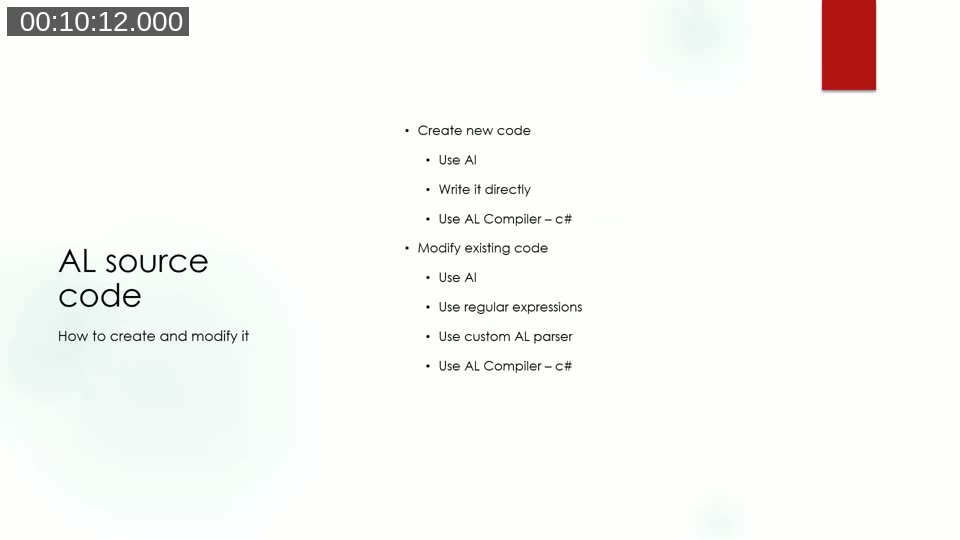
Andrzej lists the realistic options: AI tools, direct string concatenation, regular expressions, a hand-written AL parser, or the AL compiler libraries themselves. Regex works for trivial cases, AI requires verification, and writing a parser is a large project on its own. The AL compiler gives you a tested parser and a structured tree to work against — with one important caveat:
Note: The AL compiler libraries are unsupported and undocumented by Microsoft. However, they are built on top of Roslyn, the open-source .NET compiler platform, so the Roslyn documentation maps almost one-to-one onto AL concepts.
Syntax trees, nodes, tokens and trivia
A syntax tree is produced per file. It contains nodes (objects, fields, statements), which contain other nodes, and ultimately tokens (the language elements). The tree only describes structure — it does not know whether the table you reference actually exists.
Attached to nodes is trivia: comments, whitespace, new lines, and compiler directives such as #pragma. Trivia is bound to the next syntax token after it, which has a practical consequence: if you delete a node, the trivia attached to it disappears with it; if you reorder nodes, the trivia travels along. A #pragma warning restore sitting between two procedures, for example, is actually owned by the procedure below it.
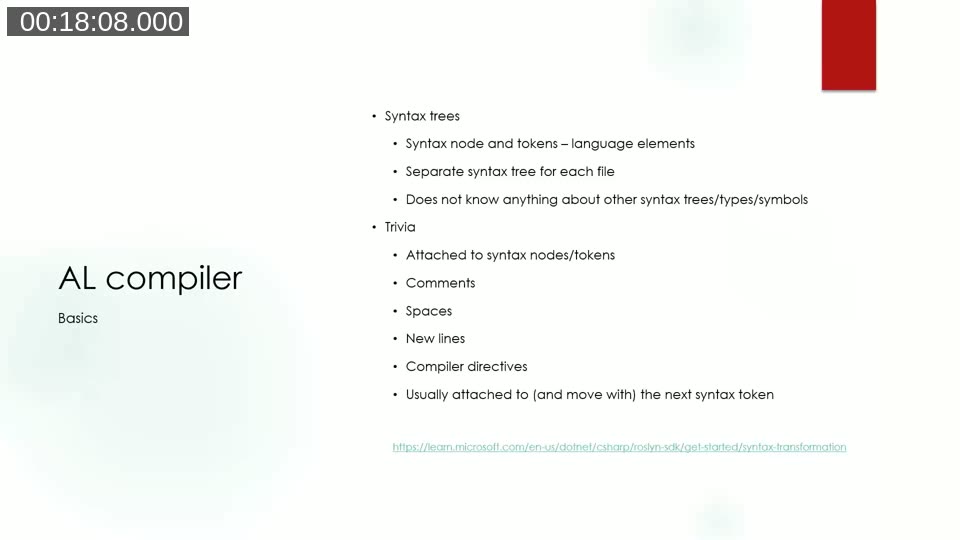
Docs: Get started with syntax transformation (Roslyn SDK) — the concepts shown here for C# apply directly to AL syntax trees.
Setting up the C# project
Refactoring tools are written as .NET console applications that reference three DLLs from the AL Language extension’s bin folder (inside your VS Code extensions directory):
Microsoft.Dynamics.Nav.CodeAnalysis.dll— the parser and syntax tree types.Microsoft.Dynamics.Nav.CodeAnalysis.Workspaces.dll— project/solution workspaces and, more importantly, the formatter.Microsoft.Dynamics.Nav.EditorServices.Protocol.dll— provides theVsCodeWorkspacethe formatter needs.
All syntax tree structures are immutable. To produce a modified tree you do not mutate objects; you create new ones using SyntaxFactory and the .With...() methods that return modified copies:
var table = SyntaxFactory.Table(50000, "Directions Table");
var newTable = table.WithFields(newFields);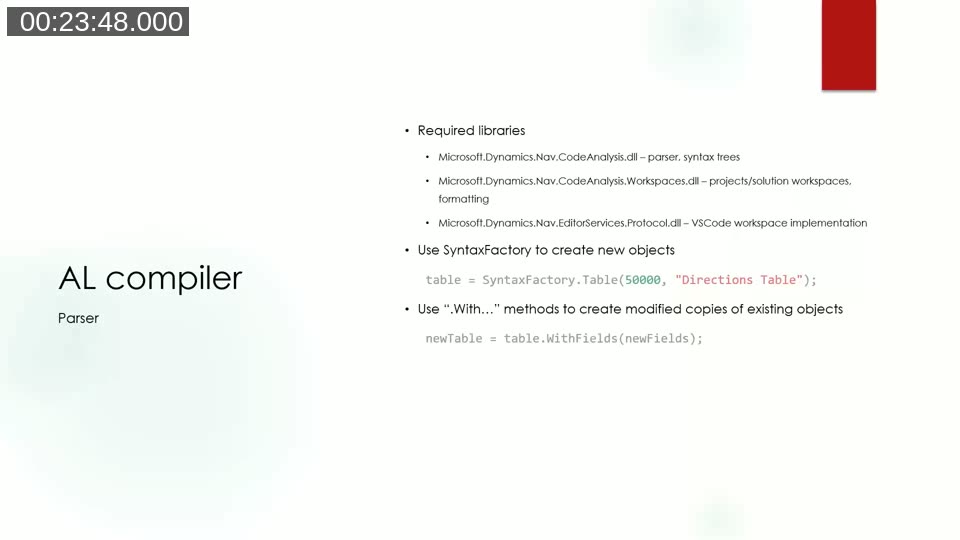
Demo 1 — Building a new AL object from scratch
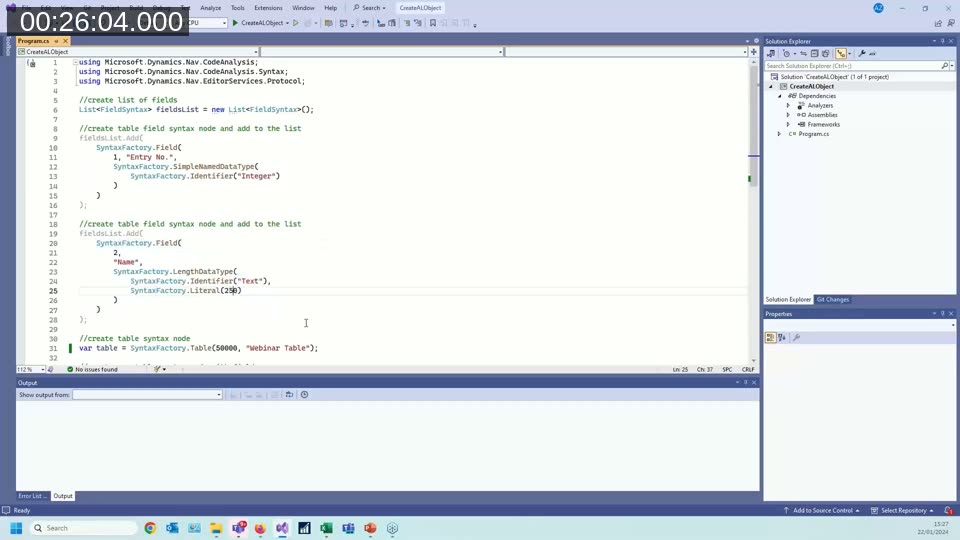
The first demo composes a table programmatically: a List<FieldSyntax> is populated with SyntaxFactory.Field(...) calls (each specifying ID, name, and data type), then SyntaxFactory.Table(...) builds the table and .WithFields(...) attaches the field list. Calling the formatter and ToFullString() produces nicely indented AL output.
Demo 2 — Modifying an existing object directly
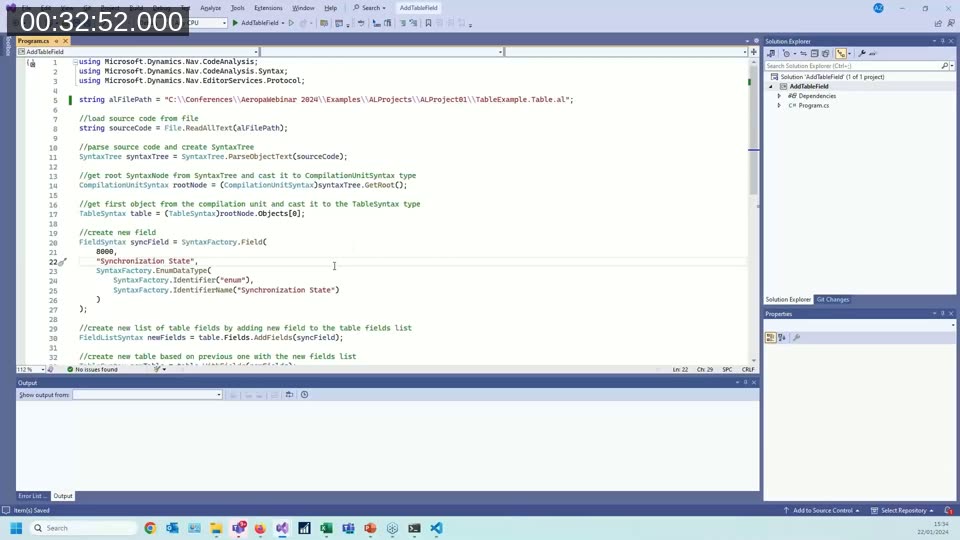
To change an existing file you parse the source into a syntax tree, locate the node you want to change, build a new version, and walk back up rebuilding each parent that contained it. The example adds a new field to an existing table by calling table.Fields.AddFields(newField) to get a new field list, then table.WithFields(newFields), and finally writes the formatted result back to disk.
Finding the right node by hand is tedious. The AZ AL Dev Tools extension ships a command Open Document Syntax Visualizer that displays the syntax tree for the current file and highlights the source range as you click through the nodes — including which trivia is attached where.
Demo 3 — SyntaxRewriter for deep changes
Rebuilding every parent up to the compilation unit gets unwieldy when the change is deep in the tree. The SyntaxRewriter base class solves this. It exposes a virtual Visit<NodeType> method for every kind of node (VisitField, VisitTable, VisitIfStatement, etc.). Override the ones you care about and return a replacement node — the base class takes care of stitching the modified tree back together.
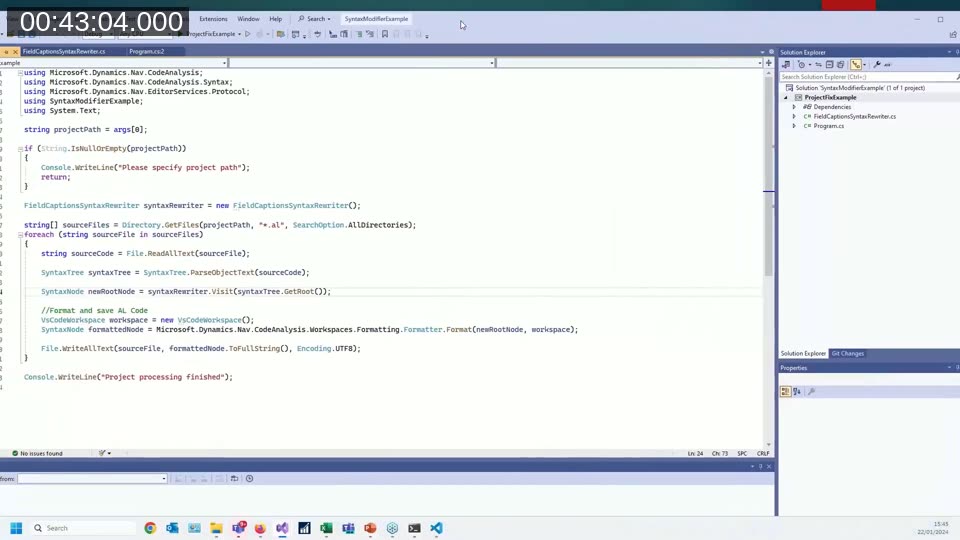
In the demo, a FieldCaptionsSyntaxRewriter overrides VisitField, reads the field name with GetNameStringValue(), builds a Caption property whose value is that name, adds it to the field’s property list, and returns the modified field. One pass over the syntax tree adds captions to every field in the file.
Scaling to a whole project
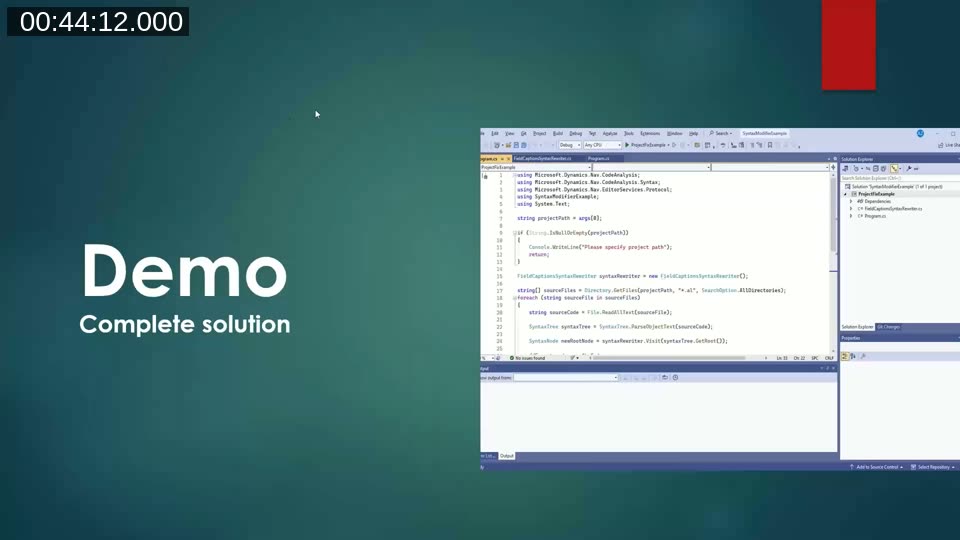
For real-world use, Andrzej recommends a small .NET console app that:
- Takes a project path as an argument.
- Defines one focused
SyntaxRewriterper kind of change — not one large class doing everything. - Enumerates every
*.alfile under the path, parses each one, applies each rewriter in turn, formats the result, and writes it back.
The semantic model — refactoring that needs type information
Syntax trees describe structure but not meaning. For refactorings that depend on knowing what a symbol is, you need the semantic model, which is built by compiling the whole solution (every syntax tree plus every dependency). The cost is real: building the model requires loading symbols and parsing every file, even if you only want to change one.
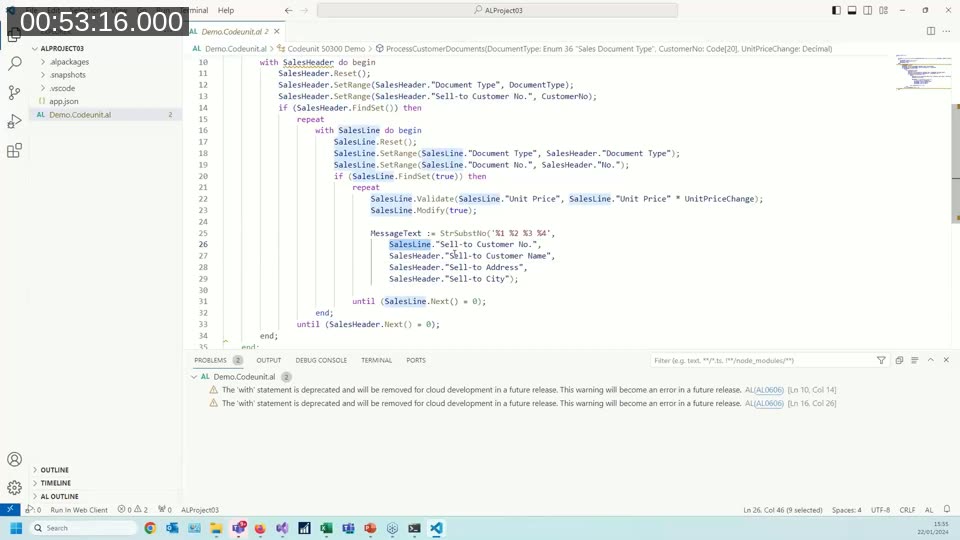
The motivating example is removing with statements. Inside a nested with SalesHeader do begin ... with SalesLine do begin ... end end, a bare reference like "Sell-to Customer No." could belong to either record. Syntax alone cannot disambiguate it — but the semantic model can, by reporting which instance owns the field-access operation for that identifier.
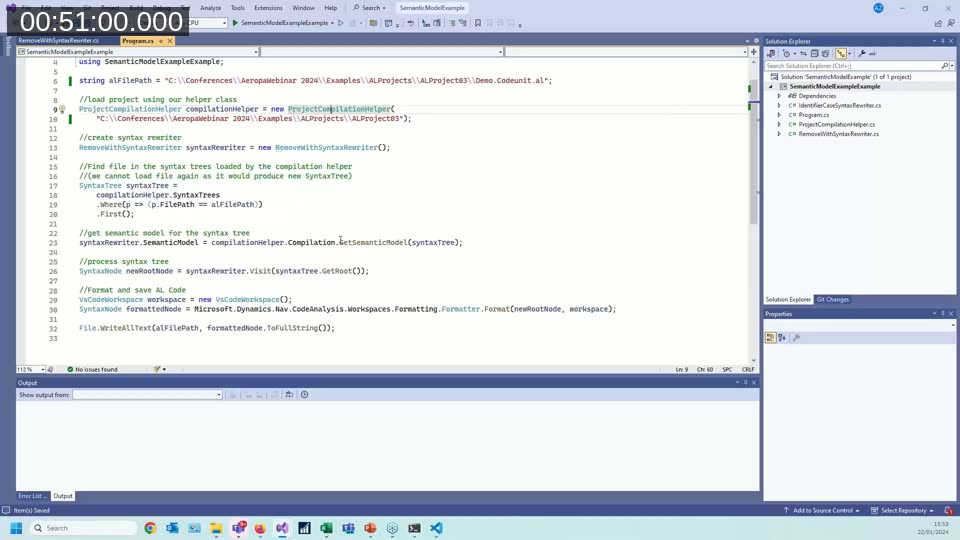
The RemoveWithSyntaxRewriter overrides VisitIdentifierName, asks the semantic model for the operation behind each identifier, and — if the identifier is inside a with block and resolves to a field access — prefixes it with the owning instance name (SalesHeader or SalesLine). The output correctly qualifies each field even in deeply nested with blocks.
Docs: Get started with semantic analysis (Roslyn SDK) — explains the semantic model concepts that the AL compiler reuses.
Docs: Deprecating explicit and implicit with statements — Microsoft’s reference for whywithneeds to be removed and which warnings (AL0606,AL0604) are involved.
Docs: AL code actions — lists the built-in quick fixes shipped with the AL Language extension, including the fix for explicit and implicitwith, promoted-action conversion, and thethiskeyword refactoring.
Where to go next
The full source code for every example in the session — including the semantic-model RemoveWithSyntaxRewriter — is published on Andrzej’s GitHub repository for his Directions EMEA 2023 session:
- Session source code: github.com/anzwdev/DirectionsEMEA2023
- AZ AL Dev Tools / AL Code Outline extension: github.com/anzwdev
This post was drafted with AI assistance based on the webinar transcript and video content.