
Dmitry Katson opened Areopa Academy’s September 2019 webinar season with a question many Business Central developers have quietly asked: when AL’s built-in data tools run out of road, what comes next? His answer — Python running inside Azure Functions — turned out to be both practical and fast.
The Problem with AL for Complex Analysis
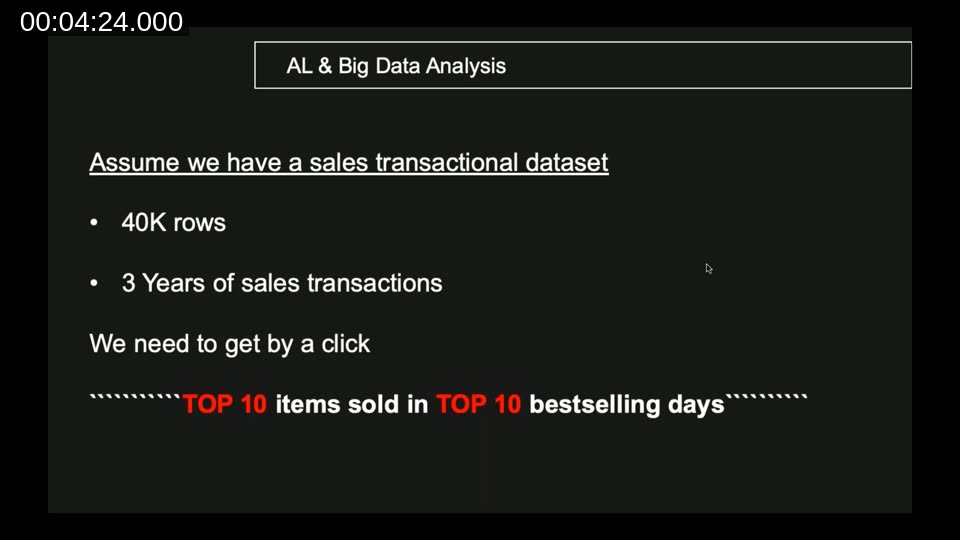
Dmitry built the session around a single concrete scenario: given 38,000 restaurant sales transactions spanning three years, find the top 10 items sold across the top 10 best-selling days. Simple to state, but the query requires two nested aggregations — first grouping by date to identify the best days, then filtering on those days and grouping again by menu item.
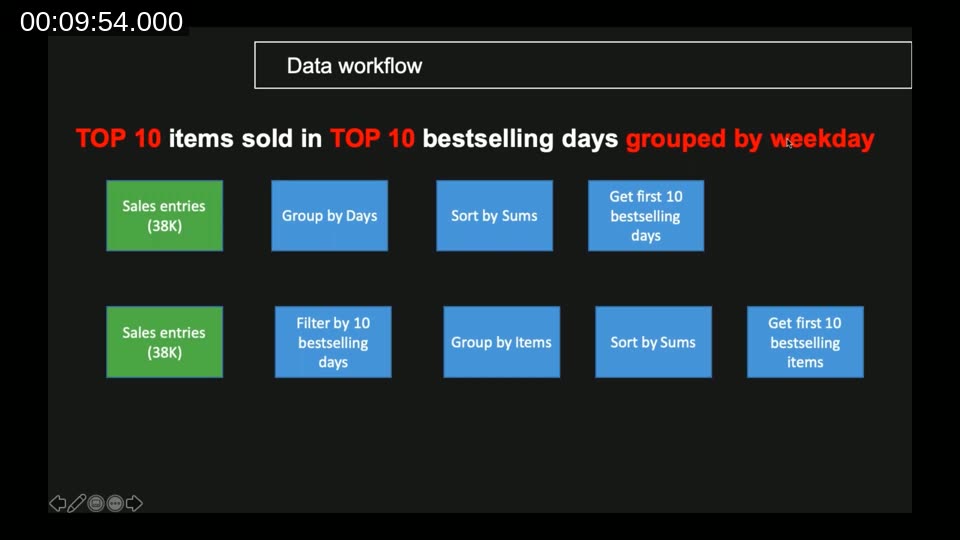
AL queries handle the first pass well. For the basic case — no extra date transformations — the result comes back in 0.3 seconds. The problem appears the moment the requirement changes slightly: what if the grouping should be by weekday rather than calendar date?
AL’s query objects expose Month and Year methods on date columns, but not Weekday. The workaround is to iterate over every record in a Repeat … Until loop and set a computed field before running the query. With 38,000 rows, that loop takes around 17 seconds.
AL query limitation: Computed columns like weekday cannot be defined inside a query object. Any derivation from a date field must be pre-computed with a record loop, which scales poorly with row count.
Python as the Alternative
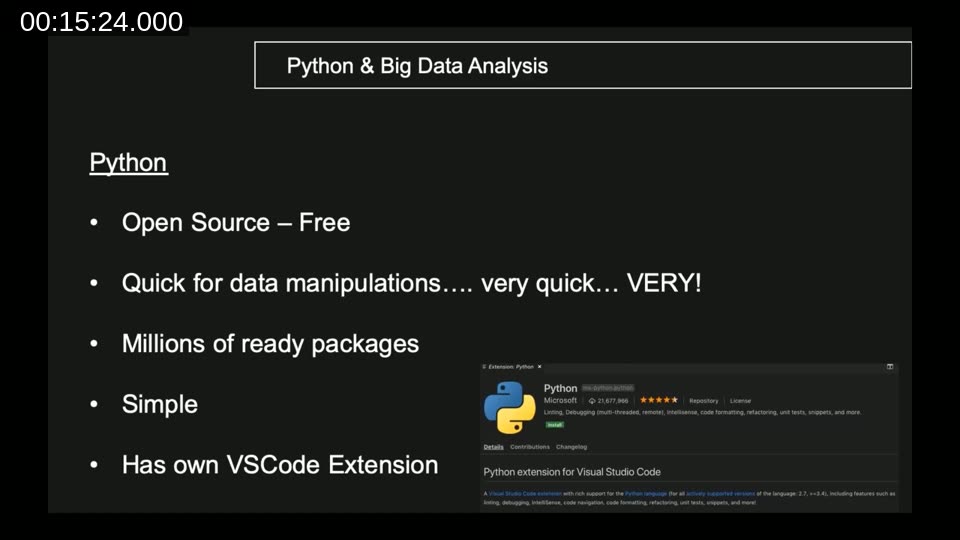
Dmitry shifted to Python to demonstrate what the same task looks like outside of AL. Python is open source, has a VS Code extension with tens of millions of installs, and ships a package ecosystem that covers data manipulation in a way AL cannot match.
The key package is pandas. Once installed, loading 38,000 JSON rows from Azure Blob Storage and computing the top items takes a single readable chain of method calls. No loops, no temporary tables.
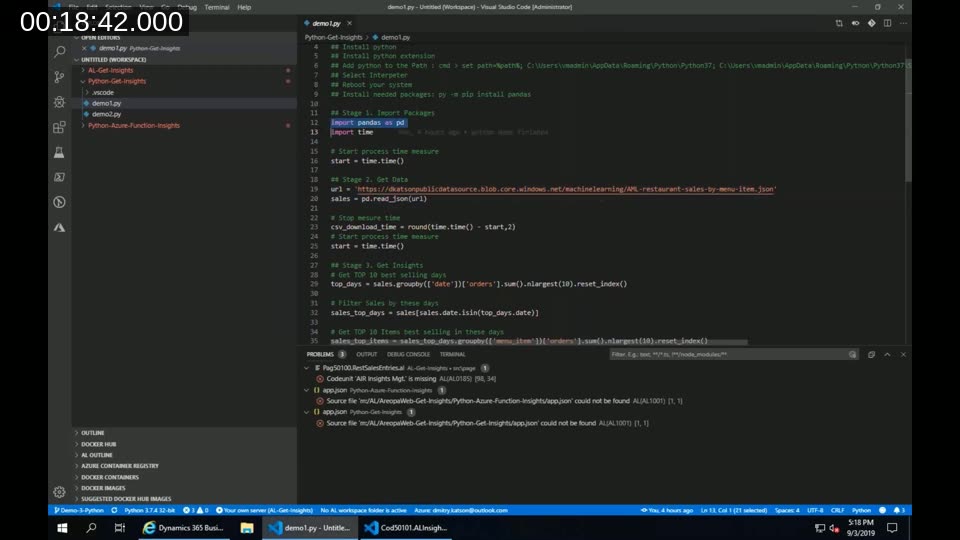
The first demo — basic top-10 grouping without weekday — completed in 0.03 seconds once data was loaded. The data load itself took 0.8 seconds over the network. Adding weekday grouping in the second demo required one extra line: sales['day_of_week'] = sales['date'].dt.day_name(). The total insight time moved from 0.03 to 0.1 seconds.
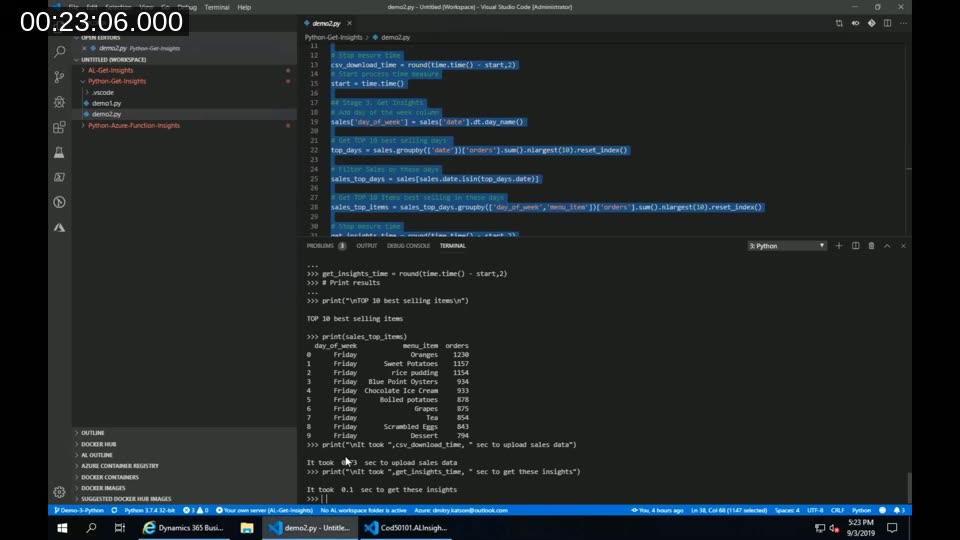
Speed comparison: The weekday grouping that cost 17 seconds in AL took 0.1 seconds in Python — roughly 170 times faster. Even when network transfer to Azure is included, the full round-trip from Business Central ran in around 5 seconds versus 17 seconds locally in AL.
Connecting Business Central to Python via Azure Functions
Running Python on a developer machine is one thing; embedding it in a production Business Central extension is another. Dmitry used Azure Functions with Python support (which moved out of preview around the time of the webinar) as the bridge.
The architecture is straightforward: Business Central serialises its sales table to a JSON array, posts it to an Azure Function HTTP endpoint, the Function processes the data with pandas, and returns a JSON result that Business Central reads back into a temporary table.
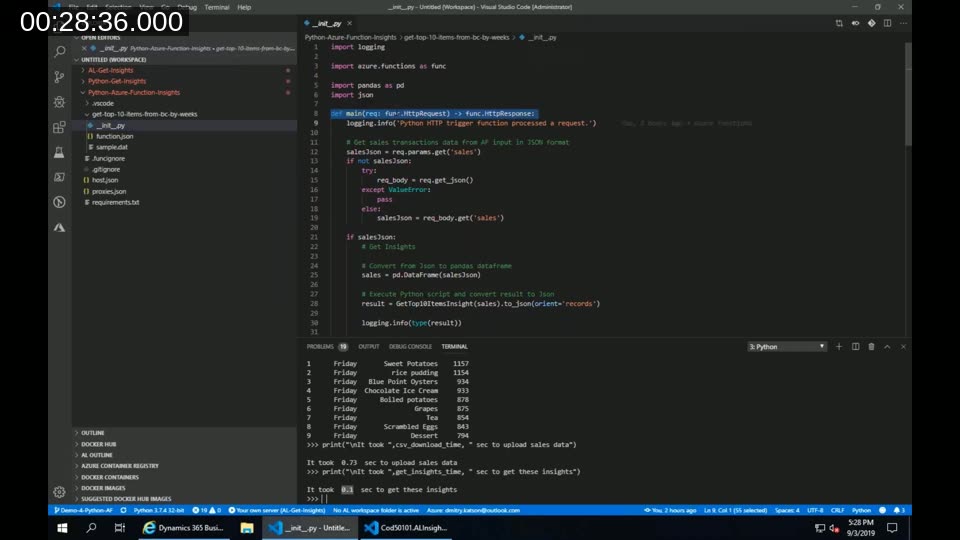
The Azure Function project has a standard shape: a requirements.txt listing pandas as a dependency, and an __init__.py with a main function that accepts an HttpRequest and returns an HttpResponse. The business logic inside that function is identical to the standalone Python script — pandas does not care whether the data arrived from Blob Storage or an HTTP body.
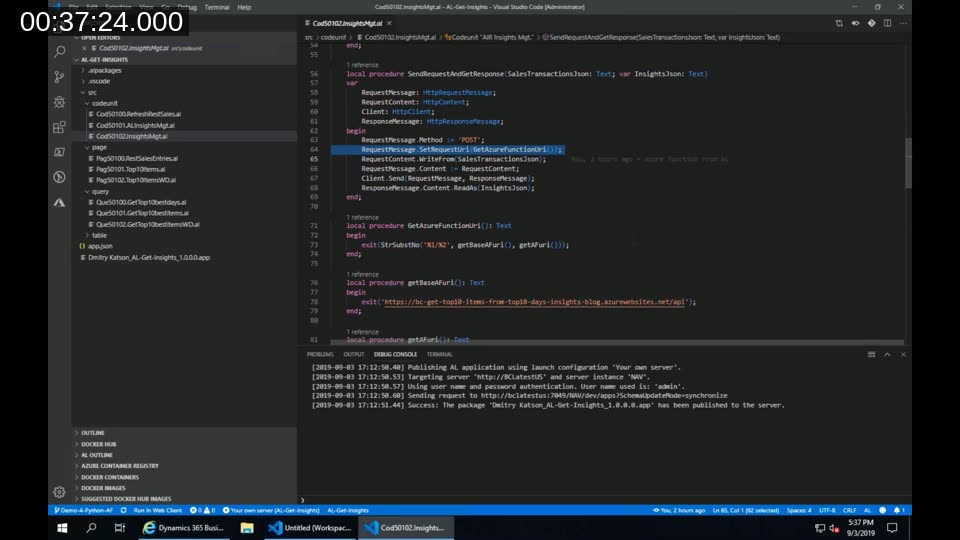
On the AL side, a codeunit serialises the SalesTransactions table line by line into a JSON array, wraps it in a JSON object, and sends a POST request to the Azure Function URL. The response JSON is then parsed back into a temporary table and displayed on the page. The full end-to-end — including sending 40,000 rows — ran in approximately 5 seconds once the Function had warmed up.
Deployment note: The Azure Functions VS Code extension handles deployment directly from the editor. Publishing takes roughly 10 minutes; the Function URL becomes available in the terminal output and in the Azure portal. Dmitry shared his code on GitHub under the dkatson account for anyone wanting to reproduce the demo.
Questions from Attendees
The Q&A covered two practical concerns. The first was scalability: what happens with millions of rows? Dmitry’s recommendation was to use AL queries for the initial reduction inside Business Central — keeping only what the Azure Function genuinely needs to process — then send that smaller dataset outward. Sending all rows every time is a design choice for demos, not production.
The second question compared this approach to Power BI. Dmitry’s view was that Power BI suits ad-hoc exploration and reporting, but embedding actionable insight inside an AL extension is a different problem. Python Azure Functions can deliver processed results directly into BC pages, triggered by an action button, without requiring the user to leave the application.
Further resources: Dmitry published a companion blog post on the Dynamics Community platform covering the setup steps in detail. The AL extension and Python scripts are available in his GitHub repository under the demo folder.
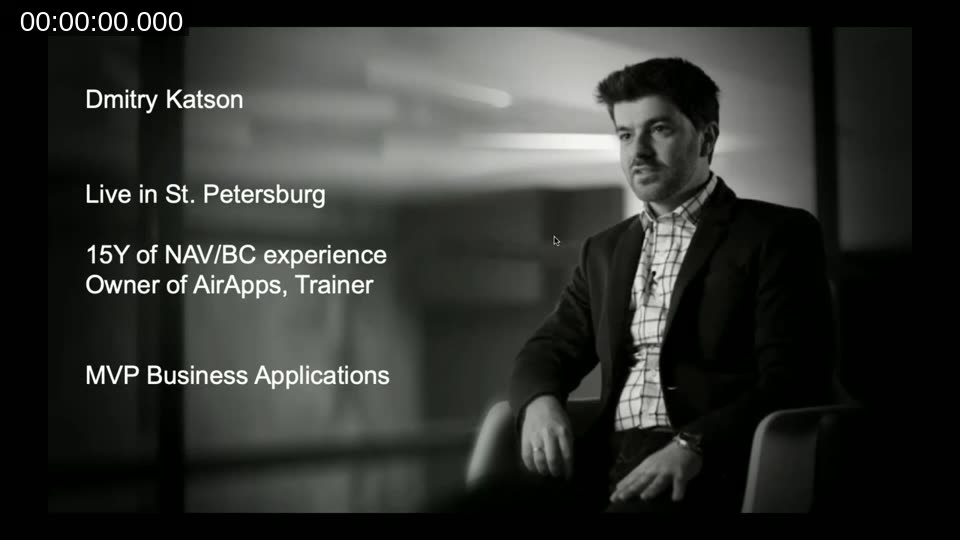
This post was prepared from the Areopa Academy webinar recording with assistance from an AI writing tool. The code shown belongs to Dmitry Katson and is available on his GitHub.