
Writing a test plan from scratch takes time — and in many projects it simply doesn’t happen. In this webinar, Luc van Vugt (Microsoft MVP, QA Lead at 4PS, owner of fluxxus.nl) and Tine Starič (Microsoft MVP, strategist at Companio) share the results of a year-long collaboration: a workflow where a custom GitHub Copilot agent reads an Azure DevOps work item and produces a structured, prioritised test plan in seconds. The session was originally delivered at Days of Central Knowledge 2025 (Darmstadt, May 2025) and recorded for the Areopa Academy audience on 8 December 2025.

Their collaboration started when Luc attended Tine’s session at Directions EMEA 2024 on prompt engineering. The question they took away: can AI turn requirements into test plans? A year of iterating — through workshops at BC Tech Days and a joint presentation at Days of Central Knowledge — produced the approach shown here.
What is a Test Plan?
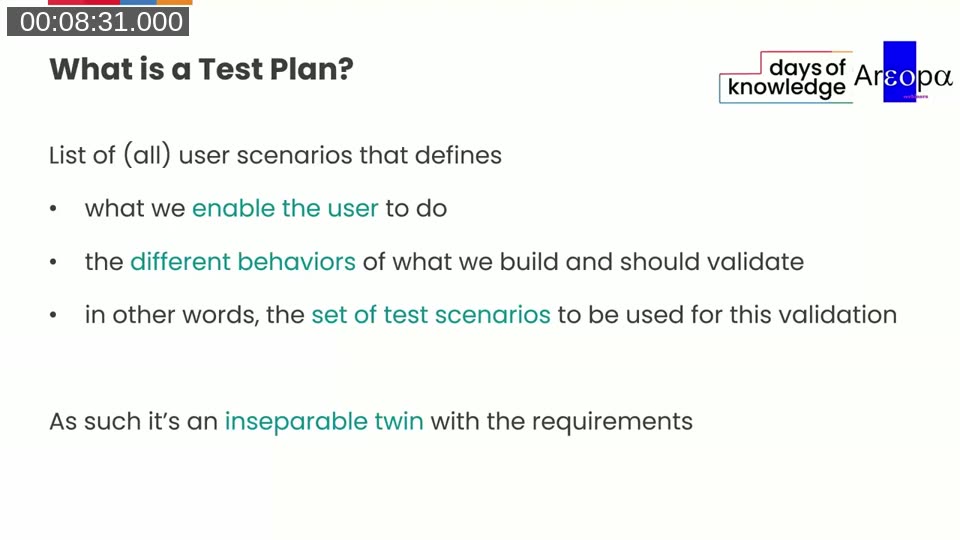
Luc opens with the definition used at 4PS: a test plan is a list of all user scenarios derived from requirements. It defines what you enable the user to do, the different behaviours to validate, and the full set of test scenarios needed for that validation. In that sense it is an inseparable twin with the requirements document.
The session covers four questions:
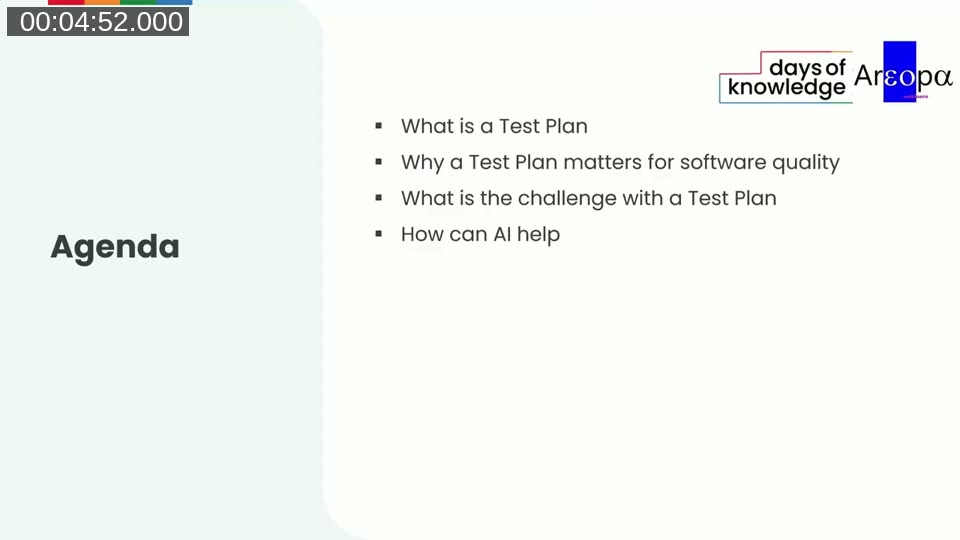
- What is a Test Plan?
- Why a Test Plan matters for software quality
- What is the challenge with a Test Plan?
- How can AI help?
Why a Test Plan matters
Setting up a test plan before any coding starts forces the team to challenge requirements together. Luc describes seeing developers start smiling as scenario counts jumped from six to eighteen once a structured plan was drafted — things that were missed when testing was done ad hoc. The test plan also gives developers a clear contract: these are all the user scenarios that need to work.
Scenarios must cover both sunny paths (positive tests) and rainy paths (negative and boundary tests). Luc is explicit that scenarios describe user actions, not technical steps — they start with a verb and focus on what the user does, not how the system responds internally.
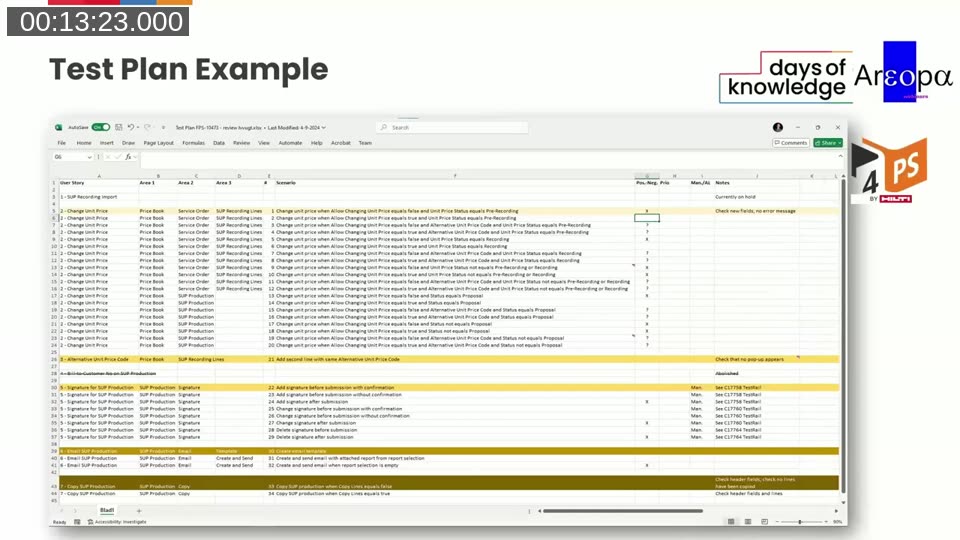
He shows a real-world example from a 4PS project: an Excel-based test plan with columns for User Story, functional areas (Area 1–3), scenario description, positive/negative flag, priority, and manual/automated indicator. Each scenario gets a unique ID for easy cross-referencing throughout the project.
📖 Related: Luc has covered test planning across several Areopa sessions: My requirements specification — all facing the same direction (November 2020), Test Automation is a team effort (July 2022), and On lightning-fast test automation, SOLIDized code and a revised test plan (September 2024). His book Automated Testing in Microsoft Dynamics 365 Business Central, 2nd edition (Packt) covers AL test codeunit patterns and test architecture in detail.
The challenge: why test plans don’t get written
Three obstacles come up repeatedly in practice:
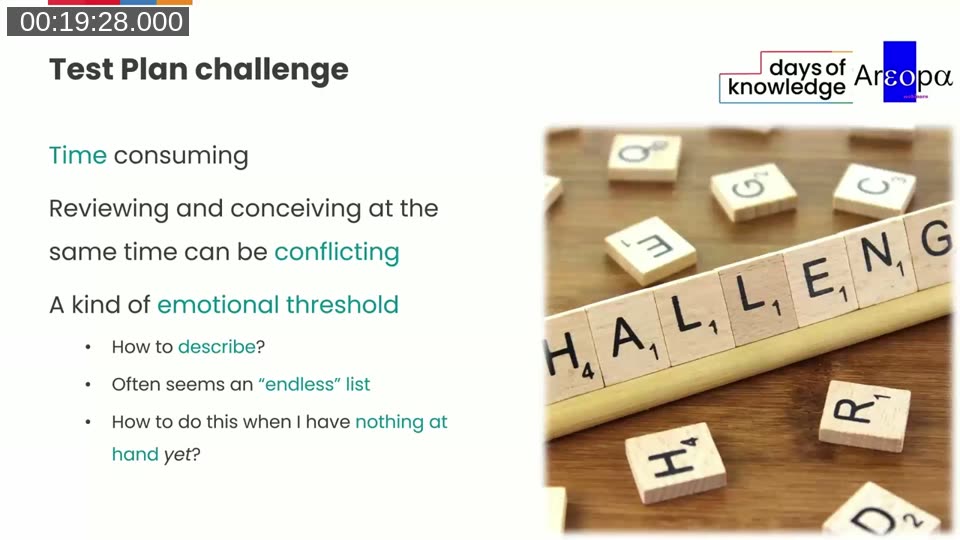
- Time consuming — drafting comprehensive scenarios takes hours, not minutes.
- Conflicting modes — reviewing existing knowledge and conceiving new scenarios at the same time is mentally demanding. The AI can draft; the human can review.
- Emotional threshold — the blank page is daunting when nothing is built yet. How do you describe scenarios for a feature that doesn’t exist? The list feels endless, and the exact wording matters.
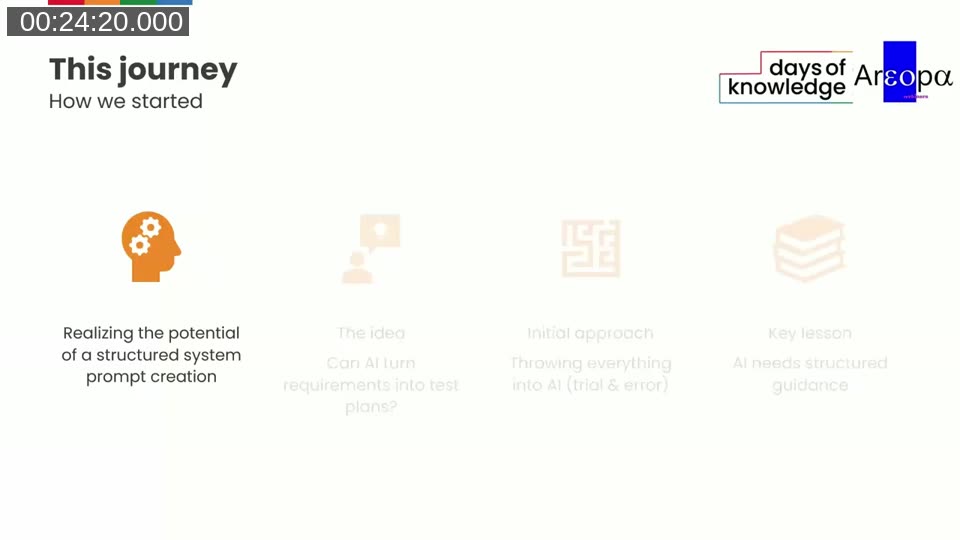
How their AI journey started
Tine’s five-component prompt framework (instructions, steps, format requirements, examples, notes) became the foundation for the test plan prompt. The pair’s initial approach — throwing everything into the AI and inspecting the output — taught them the key lesson quickly:
💡 Key principle: “Garbage in, garbage out.” AI will not invent content that isn’t in the requirements. However, when the content is sufficient but the format is unstructured, AI can organise it effectively. The prompt quality determines the output quality.
Demo: GitHub Copilot Agent reads an Azure DevOps work item
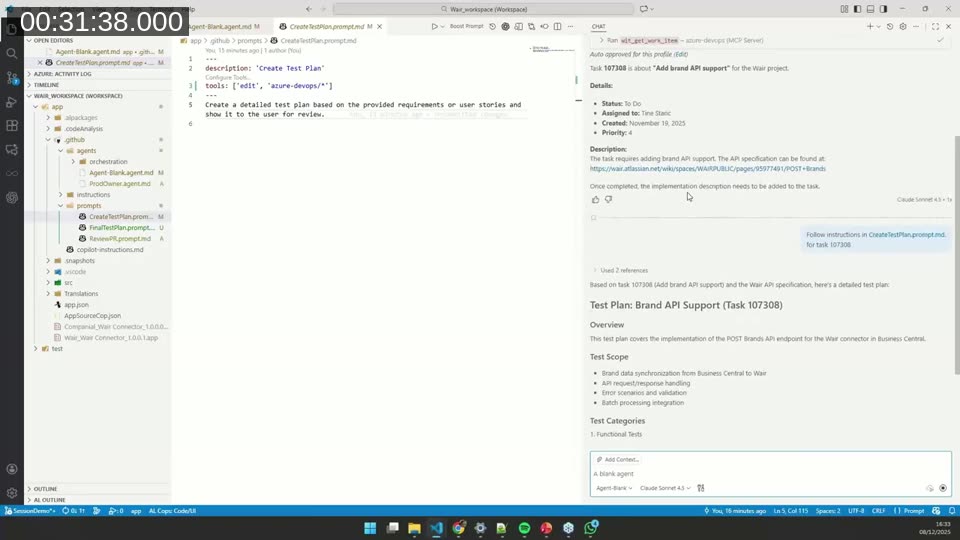
Tine runs the live demonstration in GitHub Copilot agent mode in VS Code. She has created a custom prompt file, CreateTestPlan.prompt.md, stored under .github/prompts/. The file configures two tools for the agent: edit (to write files to the workspace) and azure-devops/* (to access work items via the Azure DevOps MCP server).
The demonstrated workflow:
- Ask the agent: “What is task 107308 about?”
- The agent calls
ado_get_work_item, retrieves the task “Add brand API support”, and finds the linked Atlassian API specification. - The agent fetches the spec, searches the codebase for existing AL patterns, and generates a structured Markdown test plan covering functional tests, integration tests with the Wair connector, and error scenarios.
- Tine and Luc review the output together: Luc flags what to keep, cut, or reword; Tine refines the prompt accordingly.
📖 Docs: Use GitHub Copilot with Azure Boards — Microsoft Learn — The Azure DevOps MCP server (public preview) lets GitHub Copilot access work items, boards, and repositories directly from VS Code. GitHub Copilot agent mode — VS Code Blog — Agent mode allows Copilot to call tools, read files, and edit the workspace autonomously in a multi-step loop.
Iterative prompt refinement
The first generated test plan is detailed — preconditions, step-by-step actions, expected results, test data for every case. Luc’s immediate feedback: test plans only need one line per scenario, describing the user action. Steps, preconditions, and expected results belong to test design, not the test plan itself. Scenarios must start with a verb describing what the user does — not “verify”, “check”, or “test”.
Tine feeds this feedback back into the prompt — both manually and by asking the AI to update the prompt file based on Luc’s instructions. She adds an Output Guidelines section specifying:
- Keep each test scenario to a single line
- Be specific about what is being tested, not how
- Group by priority (Critical, High, Medium, Low)
- Focus on breadth of coverage over depth of detail
- Omit test steps, preconditions, and expected results
- Avoid redundant or obvious scenarios
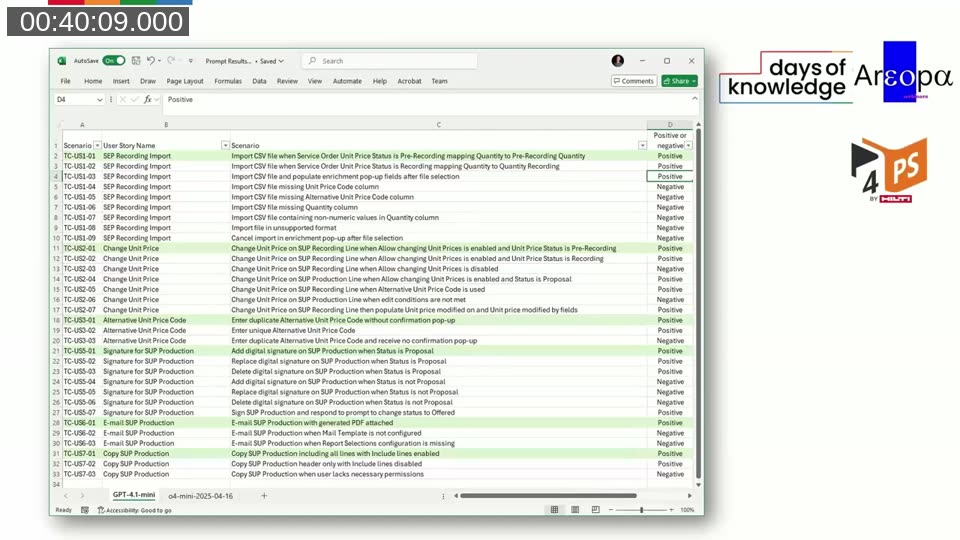
After several iterations, the output becomes a compact, scannable list that can be pasted into a test management spreadsheet or used as the starting point for an Excel-based test plan.
Distributing prompts across an organisation
A question from the audience raised a practical challenge: how do you manage prompt files across multiple projects and team members? Tine’s recommended progression:
- Start inside the project — put the prompt file in
.github/prompts/of each repository while the team learns to use it. - Move to user settings — once comfortable, store prompts in VS Code’s user directory so they are accessible across all projects without per-repo setup.
- Distribute centrally via a VS Code extension — Tine has been building an internal extension that installs the current prompt files on first launch and checks a central repository for updates on every VS Code open. Non-developers can invoke prompts with a slash command (
/create-test-plan,/review-pr, etc.) without knowing how prompts work.
📖 Docs: GitHub Copilot Instructions vs Prompts vs Custom Agents vs Skills — DEV Community — A practical comparison of the different ways to configure Copilot behaviour in VS Code: instruction files, prompt files, custom agents, and skills.
Wrap-up and key takeaways
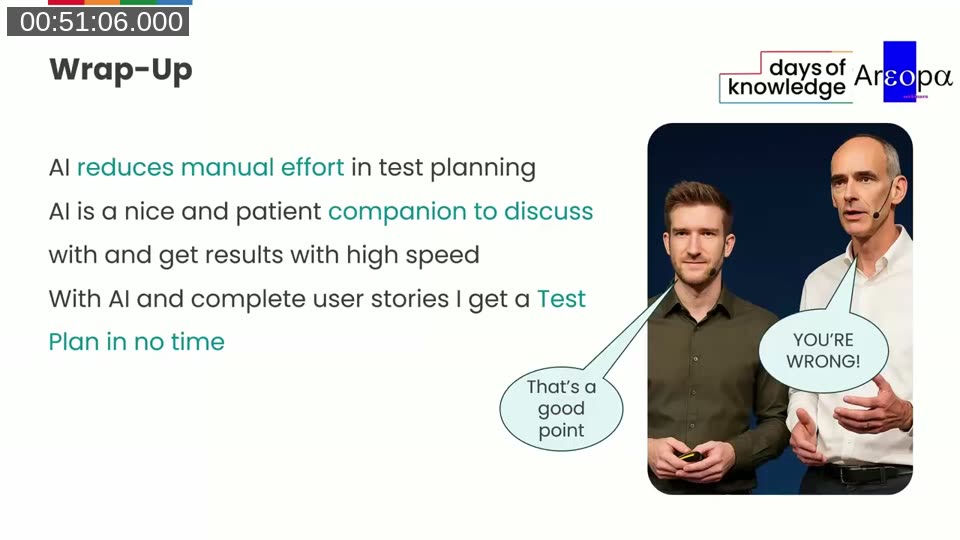
- AI reduces manual effort in test planning — a first draft appears in seconds rather than hours.
- AI is a patient companion — you can iterate rapidly, request rewording 10 or 20 times, and get results without the emotional friction of the blank page.
- Complete user stories are essential — with well-written requirements, AI produces a usable test plan quickly. With vague requirements, the output will be equally vague. The prompt cannot compensate for missing content.
- The split of roles matters — a prompt engineer (Tine) and a domain expert (Luc) working together produce better results than either working alone. The same pattern applies when rolling this out to QA teams.
Session chapters
- 00:00:00 — Housekeeping and upcoming webinars
- 00:02:26 — Title slide: Using AI to streamline test planning
- 00:03:39 — Speaker introductions: Luc van Vugt & Tine Starič
- 00:04:52 — Session agenda
- 00:07:18 — What is a Test Plan?
- 00:09:44 — Why a Test Plan matters
- 00:12:10 — Test Plan example (Excel walkthrough)
- 00:17:02 — Related resources and prior webinars
- 00:18:15 — Test Plan challenges
- 00:21:54 — How the AI journey started (Directions EMEA 2024)
- 00:24:20 — Journey overview: 4-step summary
- 00:25:25 — Demo: MCP server and Azure DevOps work item
- 00:31:25 — Demo: first test plan generated
- 00:34:10 — Refining the CreateTestPlan prompt with AI assistance
- 00:36:30 — Garbage in, garbage out
- 00:38:56 — Iterative refinement of AI output
- 00:40:09 — AI-generated test plan in Excel
- 00:48:40 — Wrap-up
- 00:52:19 — Q&A (prompt file distribution, iterating with AI)
This post was drafted with AI assistance based on the webinar video, slides, and diarized transcript.